
Business Hours: Monday to Thursday: 7:00 AM – 3:00 PM (Support until 5:00 PM) | Friday: 7:00 AM – 3:00 PM (Support until 2:30 PM)
(+34) 957 326 107
Business Hours: Monday to Thursday: 7:00 AM – 3:00 PM (Support until 5:00 PM) | Friday: 7:00 AM – 3:00 PM (Support until 2:30 PM)
Copyright © 2025 Qualicard. All Rights Reserved.


Technical Support
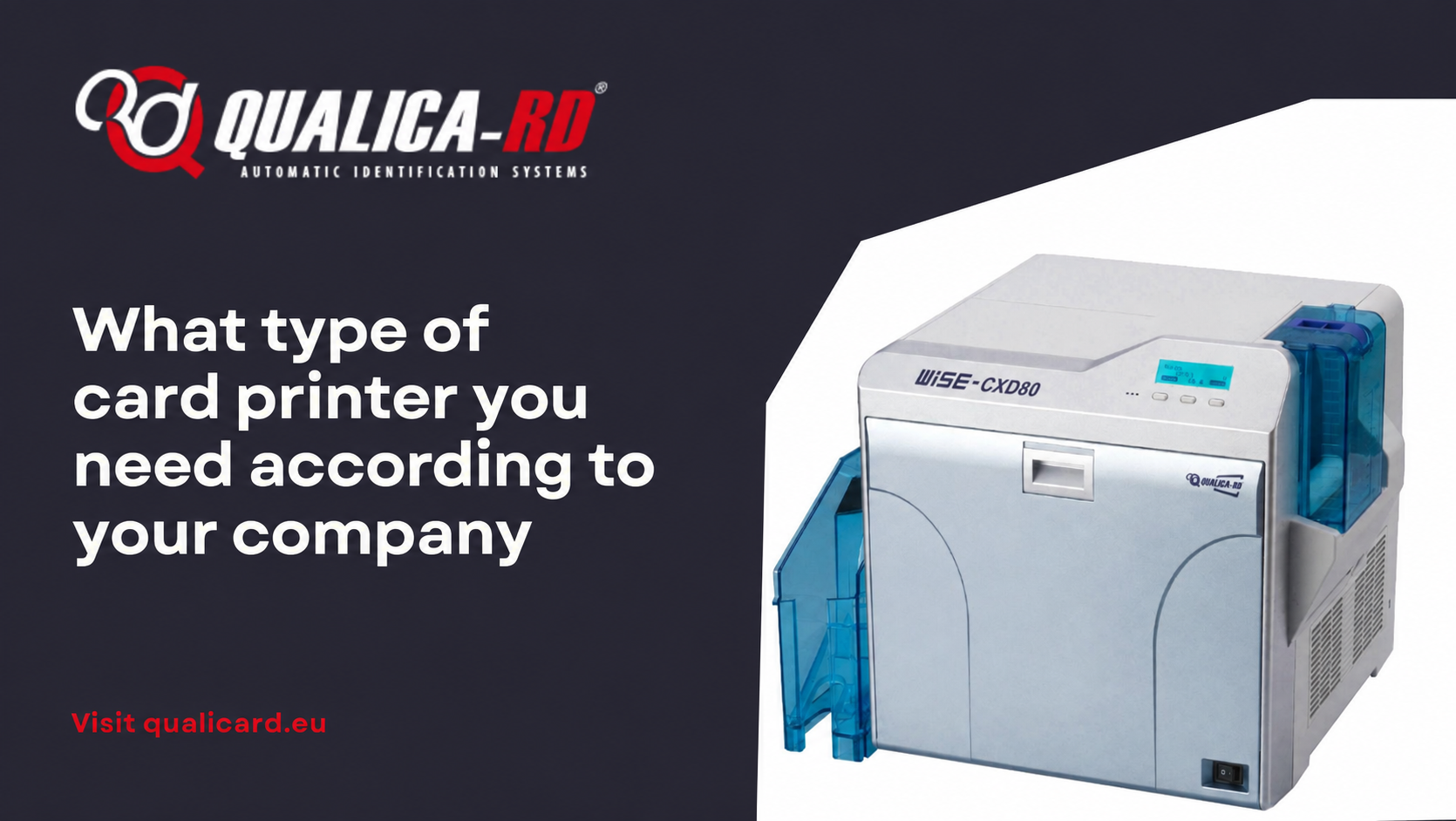
What type of card printer you need according to your company
May 5, 2025
What type of card printer do you need according to your company?
Choosing what type of card printer you need according to your company may seem like a simple task, but it involves an in-depth understanding of your organization’s specific needs. From corporate ID card printing to customized PVC cards for access control or customer loyalty, every business environment demands a different solution. This article will guide you step by step to make the best decision.
Why is it important to choose the right printer?
Selecting the right card printer ensures efficiency, print quality, and long-term cost savings. The needs of a small business that prints occasional ID cards are not the same as those of a university or a shopping center with hundreds of daily prints.
Key factors for choosing a card printer
Before investing in a device, consider the following factors:
- Print volume: How many cards will you print per month?
- Quality and resolution: Do you need sharp images or photo printing?
- Type of cards: Standard PVC cards, with chip, magnetic stripe, or RFID?
- Personalization: Do you require double-sided printing or encoding?
- Budget: Consider the initial cost and the cost per card (including printer ribbons and consumables).
Main card printing technologies
PVC card printers use different technologies that directly affect print quality and cost:
1. Direct sublimation printers
This technology applies color directly onto the card surface using heat. It is ideal for standard, low-cost prints such as employee ID badges or school credentials.
- Advantages: affordable, fast, and easy to maintain.
- Limitations: lower edge quality, not suitable for uneven surfaces.
2. Thermal retransfer printers
They print the image onto a film that is then bonded to the card, offering superior quality, even on cards with chips or uneven surfaces.
- Advantages: photographic quality, greater durability, and edge-to-edge coverage.
- Limitations: more expensive and somewhat slower than direct sublimation printers.
3. Printers with integrated encoders
Some printers include magnetic stripe, chip, or RFID encoders, enabling smart card printing and personalization in a single step.
What card printer does your company need?
Depending on the sector and workload, the best option varies:
Small businesses and offices
If you only need employee ID card printing, a low-volume sublimation printer may be enough.
Educational centers
Universities and schools require frequent printing with good quality and possibly encoding. A retransfer printer can be a suitable investment.
Retail and loyalty programs
In stores, supermarkets, and shopping centers, customized PVC cards with barcodes or chips are usually printed. Printers with integrated encoders offer a complete solution.
Hospitals and public agencies
In these sectors, credential security, durability, and quality are key. They require high-end printers with retransfer and advanced encoding.
Comparison of card printer types by business use
| Printer type | Best use | Advantages | Limitations |
|---|---|---|---|
| Direct sublimation | Small businesses, offices | Low cost, easy operation | Lower quality and durability |
| Thermal retransfer | Universities, hospitals, security | High quality, printing over chips | Higher cost |
| With integrated encoders | Retail, loyalty cards | Full personalization | Greater operational complexity |
Costs and consumables to consider
In addition to the printer, you should take into account:
- Printer ribbons: include the colors needed for printing and must be compatible with the specific model.
- Blank cards: PVC, with or without chip or magnetic stripe.
- Design and management software: to create designs and control the printing process.
Maintenance and technical support
Choosing a provider that offers technical support, preventive maintenance, and spare parts is crucial to avoid production downtime and extend the printer’s lifespan.
Tips to optimize the printing process
To get the most out of your investment:
- Choose PVC card printers with a strong brand reputation and warranty.
- Evaluate the return on investment if you need ID card printing in large volumes.
- Train staff in the use of the equipment and software.
- Perform regular maintenance to prevent failures.
Conclusion
Knowing what type of card printer you need according to your company will allow you to make better decisions, optimize resources, and ensure professional printing. Whether you opt for sublimation, retransfer, or encoder-equipped printers, make sure to consider the specific needs of your business. PVC card printers are essential tools to guarantee security, identity, and professionalism across multiple sectors.
Frequently asked questions about what type of card printer you need according to your company
If you are considering adding a card printer to your company, these frequently asked questions will help you clarify key doubts when choosing the most suitable model for your needs.
What is the difference between a sublimation printer and a thermal retransfer printer?
The sublimation printer applies ink directly onto the card, being more affordable but with lower edge quality. In contrast, the thermal retransfer printer transfers the image using an intermediate film, achieving higher quality, durability, and full coverage, ideal for cards with chips or uneven surfaces.
What card printer is best for a company with a high print volume?
For high volumes, a PVC thermal retransfer card printer is recommended, as it offers greater resistance, speed, and operational efficiency. In addition, it allows double-sided printing and simultaneous encoding, which is key in demanding environments.
What consumables should I consider when buying a card printer?
In addition to the printer, you will need blank PVC cards, printer ribbons (color or monochrome depending on the design), and, if applicable, modules or kits for encoding. It is also advisable to have design software to customize the cards.
Share
Related News
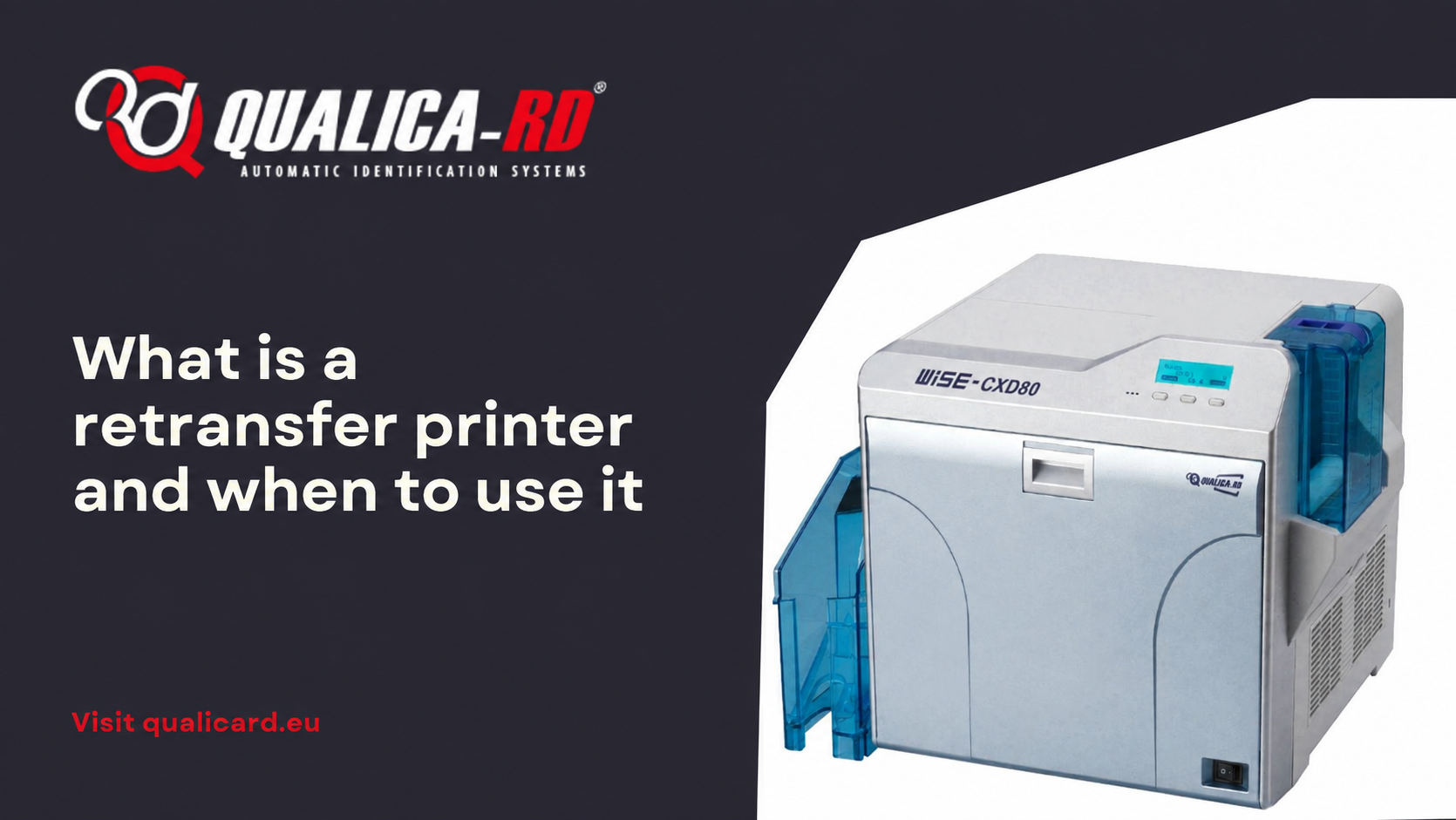
What is a retransfer printer and when to…
In the world of PVC card printers designed to personalize credentials, ID…
Go to Post
Guide to printing credentials for events
Complete guide to printing badges for events In this guide to printing…
Go to Post
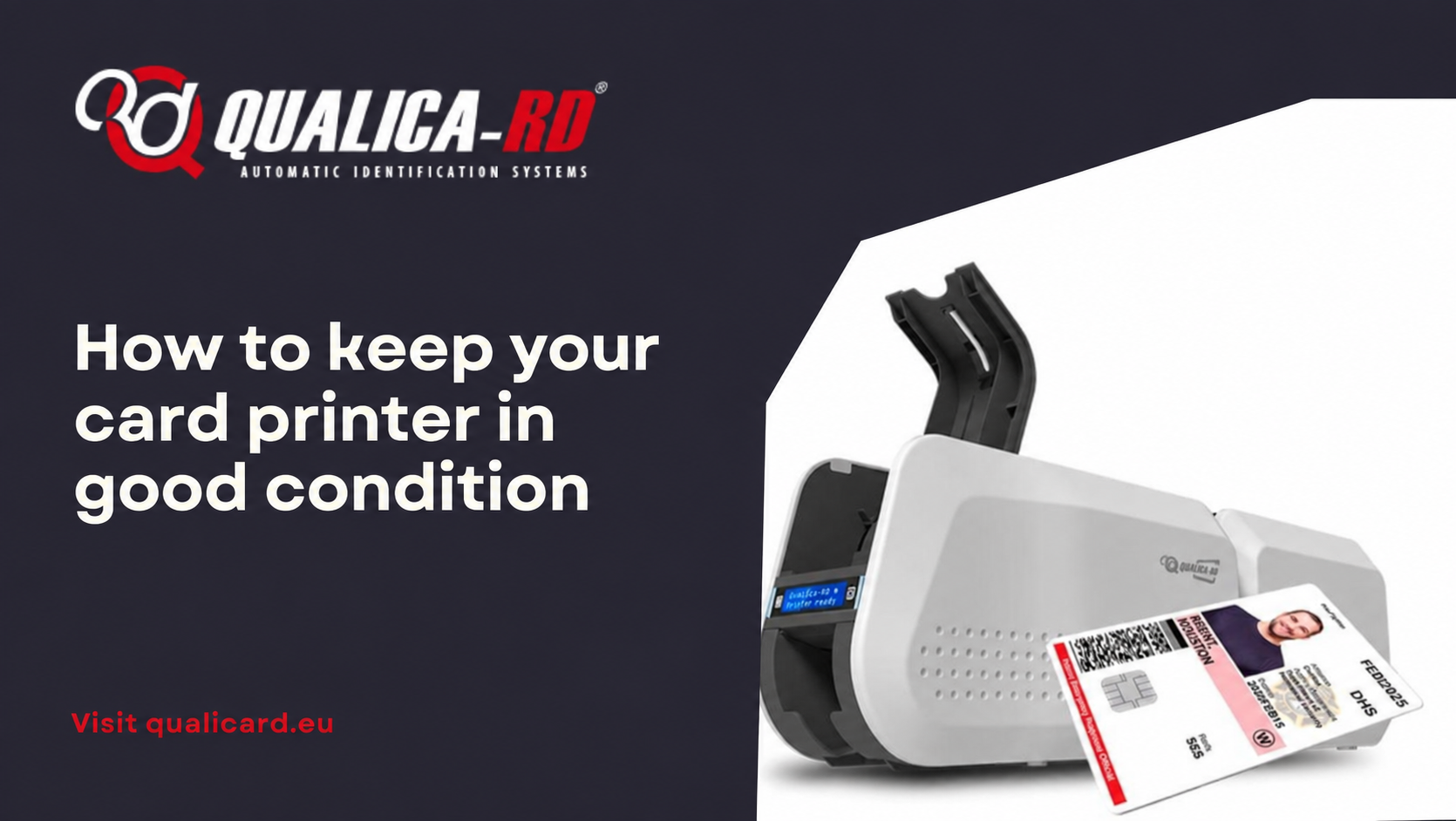
How to keep your card printer in good…
How to keep your card printer in good condition The proper functioning…
Go to Post