
Business Hours: Monday to Thursday: 7:00 AM – 3:00 PM (Support until 5:00 PM) | Friday: 7:00 AM – 3:00 PM (Support until 2:30 PM)
(+34) 957 326 107
Business Hours: Monday to Thursday: 7:00 AM – 3:00 PM (Support until 5:00 PM) | Friday: 7:00 AM – 3:00 PM (Support until 2:30 PM)
Copyright © 2025 Qualicard. All Rights Reserved.


Technical Support
Guide to printing credentials for events
July 6, 2025
Complete guide to printing badges for events
In this guide to printing badges for events, we offer you all the essential information so that your badge system is efficient, professional, and secure. Whether you are organizing a congress, trade fair, festival, corporate or educational event, here you will find a comprehensive and up-to-date approach to the printing process. We will talk about the different types of cards commonly used, the most recommended card printers according to the volume and level of security required, the main printing technologies (direct and retransfer), as well as the advantages and limitations of each. In addition, we include recommendations of specific models adapted to different needs, practical advice to optimize resources and avoid common mistakes, and a comparative table with the best printers on the market, highlighting especially options from the renowned brand Qualica‑RD. This guide is designed to help you make informed decisions and achieve a professional badge process from the very first step.
Introduction to printing badges for events
Badges are essential to identify attendees, organizers, speakers, or VIPs at any event. Printing badges in-house with card printers allows on-demand personalization, security control, and cost reduction compared to external services.
Types of cards and printing technologies
PVC cards and plastic credentials
PVC cards are the most used: resistant, durable, and customizable. There are variations in thickness and finishes that allow printing from basic credentials to premium passes.
Direct printing vs thermal retransfer
- Direct printing: The ribbon adheres directly to the card. Economical, fast, but usually leaves a very thin white edge and lower durability.
- Thermal retransfer: The image is first printed onto a film, then adhered to the entire surface of the card. High quality, no white edges, and greater protection. Ideal for cards with chips or irregular areas.
Monochrome versus color printing
If you only need text or QR codes, monochrome printing can be sufficient and very economical. For high-impact visual passes, color printing (CMYK or YMCKO with ribbon) is the best option.
Key factors for choosing a card printer
- Print volume: 100, 1,000, or 10,000 cards per year? If you plan large quantities, look for printers with large-capacity hoppers (200–500 cards).
- Single- or double-sided printing: Duplex printers automatically rotate the card; saves time and avoids errors.
- Visual quality: Retransfer for premium quality; direct for standard solutions.
- Integrated security: Laminates, UV ribbons, holograms, or watermarks increase protection.
- Connectivity and software: USB, Ethernet, or Wi‑Fi; integration with databases or registration systems (CSV, Excel, or CRM).
- Operating costs: Consider the price of consumables (ribbons, PVC cards, cleaning) versus volume.
Best printers for printing badges
Below is a comparative table with featured models, including Qualica‑RD printers, especially recommended for their effectiveness at events:
| Model | Technology | Card Capacity | Resolution | Speed | Connectivity | Estimated Price |
|---|---|---|---|---|---|---|
| Qualica‑RD QR‑DN | Direct / Sublimation, optional duplex | Input 200 / Output 100 | 300 dpi color / 1200 dpi mono | 210 cards/h color; 1,000 mono | USB, optional Ethernet | €1,500–2,000 |
| Qualica‑RD Titan | Retransfer duplex | 500–500 | 300 dpi | 225 YMC / 1,000 mono | USB, Ethernet | €3,000–4,000 |
| Zebra ZC300 | Direct color | ~100 | 300 dpi | ~150 cards/h | USB, Ethernet, Wi‑Fi | ~€1,200 |
| Evolis Primacy 2 | Direct color ± optional duplex | ~100–250 | 300 dpi | 210 cards/h | USB, Ethernet | €1,500–2,300 |
| Magicard 300 | Direct color + HoloKote | ~100 | 300 dpi | 180 cards/h | USB, Ethernet | ~€1,600 |
Why choose Qualica‑RD card printers?
- Specialized in card printers for events and access control, with dedicated models such as QR‑DN and Titan.
- High print capacity (500 cards in batch) and duplex and lamination options.
- Compatible with YMCKO color, monochrome, and UV ribbons, and advanced laminates.
- Allows RFID, NFC, magnetic stripe encoding, and has automatic ribbon detection.
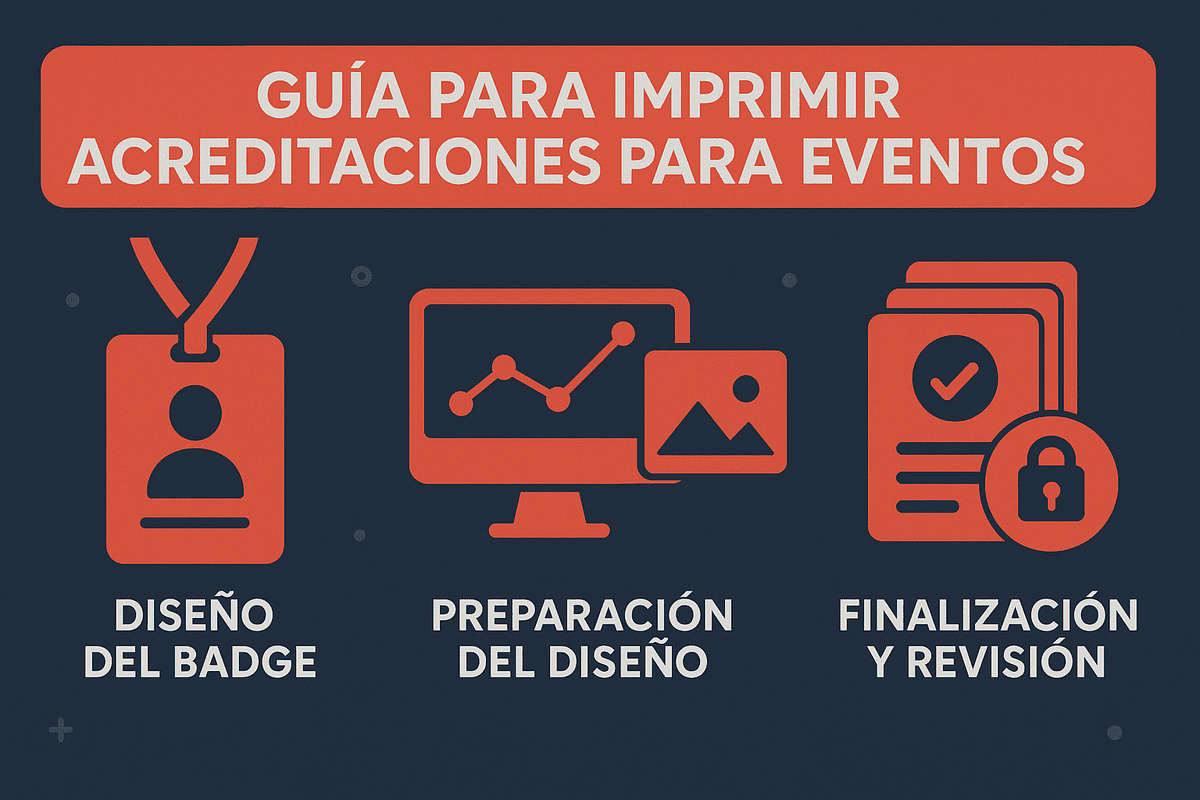
Tips for printing badges properly
Layout and design
- Reserve margins for possible shifts if you use direct printing.
- Include essential data: name, company, role, QR code, and, if desired, photo.
- Use security elements: watermarks, UV ink, or holograms for VIP or staff credentials.
Managing the printing process
- Run a test with 5–10 cards before the main batch.
- Keep printers clean according to the manufacturer’s instructions to avoid smudges or breakage.
- Use quality PVC cards and original ribbons to avoid defects.
Time optimization
- Print in bulk before the event, but leave a margin to print “on demand” during check-in.
- Organize the badge system in a “self‑service” style: labeling, lamination machine, and stations.
Useful software for badge printing
Specialized software is key. Platforms like InEvent allow you to sync registrations in real time and send the data directly to Zebra or Qualica printers.
You can also use CSV or Excel databases combined with tools like CardPresso.
Costs and overall budget
- Direct printers: between €1,200 and €2,000. YMCKO ribbon consumption (~€30 per 100 prints).
- Retransfer models: €3,000–4,000, with a higher cost but high durability.
- Consumables: cards (~€0.10–0.30), ribbons, encoding modules, and cleaning kits.
Final recommendations according to your needs
- Small events (≤200 cards): use a direct printer such as Zebra ZC300 or Qualica‑RD QR‑DN.
- Medium events (500–1,000): upgrade to duplex models such as Evolis Primacy 2 or Magicard 300.
- Large or high-security events (≥1,000): go for a retransfer printer such as Qualica‑RD Titan.
Printing badges for events professionally implies having good card printers, suitable materials, and an organized workflow. Qualica‑RD printers stand out for their robustness, print quality, encoding options, and customization, making them ideal for different types of events.
With this guide to printing badges for events, you will be able to make informed decisions and create an efficient, secure, and adaptable badge system. If you need help choosing a model or setting up your installation, I’m here to help!
Frequently asked questions about how to print badges for events
If you are looking for a guide to printing badges for events, it is normal for doubts to arise about the process, the necessary tools, and the best practices. Below, we answer the most common queries to help you make informed and efficient decisions.
What type of printer do I need to print badges for a medium-sized event?
For a medium-sized event (between 300 and 1,000 attendees), the ideal is to use a card printer that allows double-sided printing, good production speed, and color quality. Models such as Qualica‑RD QR‑DN or Evolis Primacy 2 are balanced options in terms of quality and performance.
Is it better to print badges before the event or during registration?
It depends on the event logistics. The most advisable thing is to pre-print 80% of the badges and leave 20% to print on site during registration, especially for last-minute attendees or incidents. This way you combine efficiency with flexibility.
What characteristics should a good event badge have?
A good badge should include full name, role, company, QR or barcode and, if possible, a photo. It is also advisable to use security elements such as watermarks, UV ink, or hologram ribbons to prevent counterfeiting, especially at restricted-access events.
Share
Related News
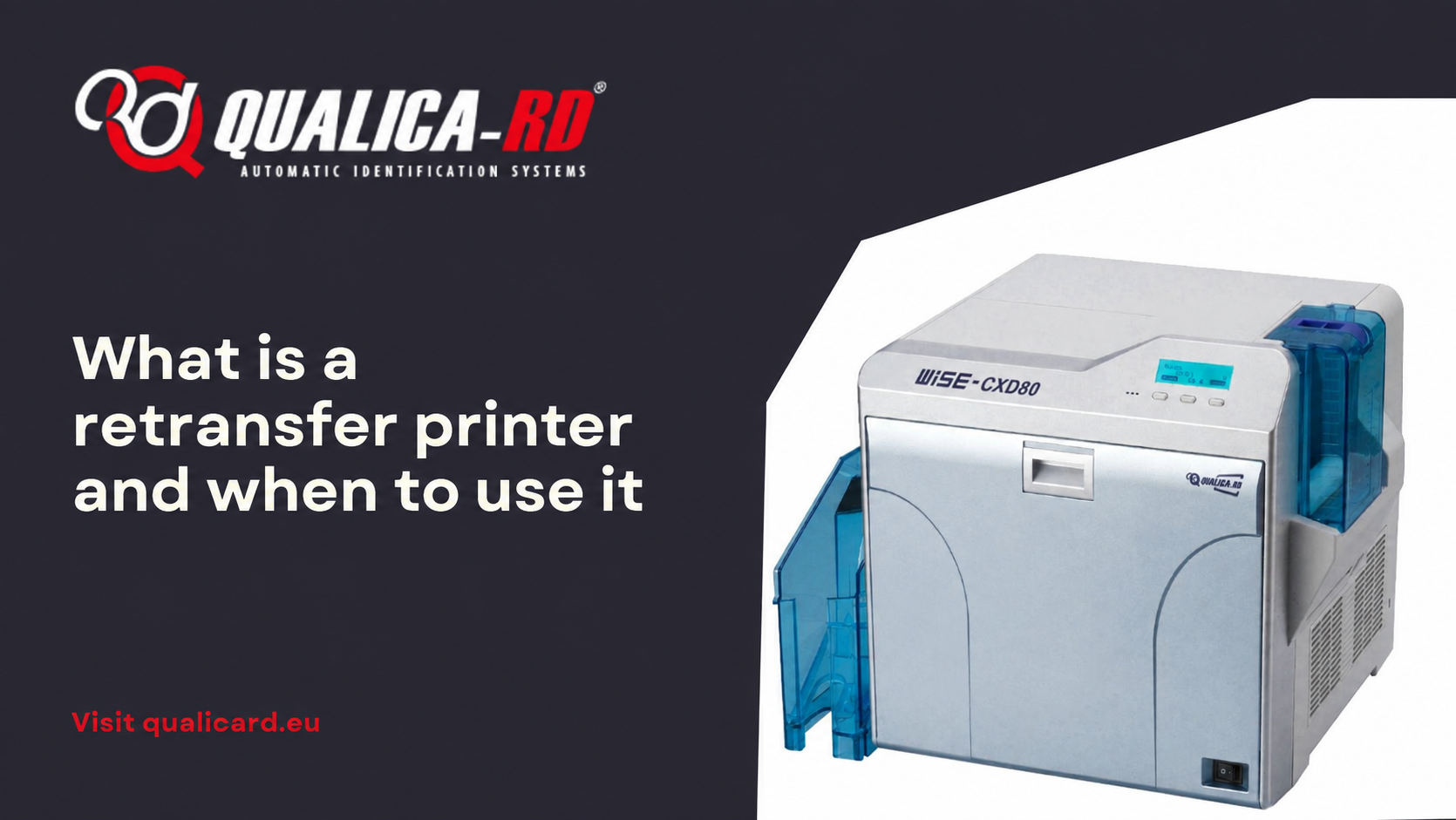
What is a retransfer printer and when to…
In the world of PVC card printers designed to personalize credentials, ID…
Go to Post
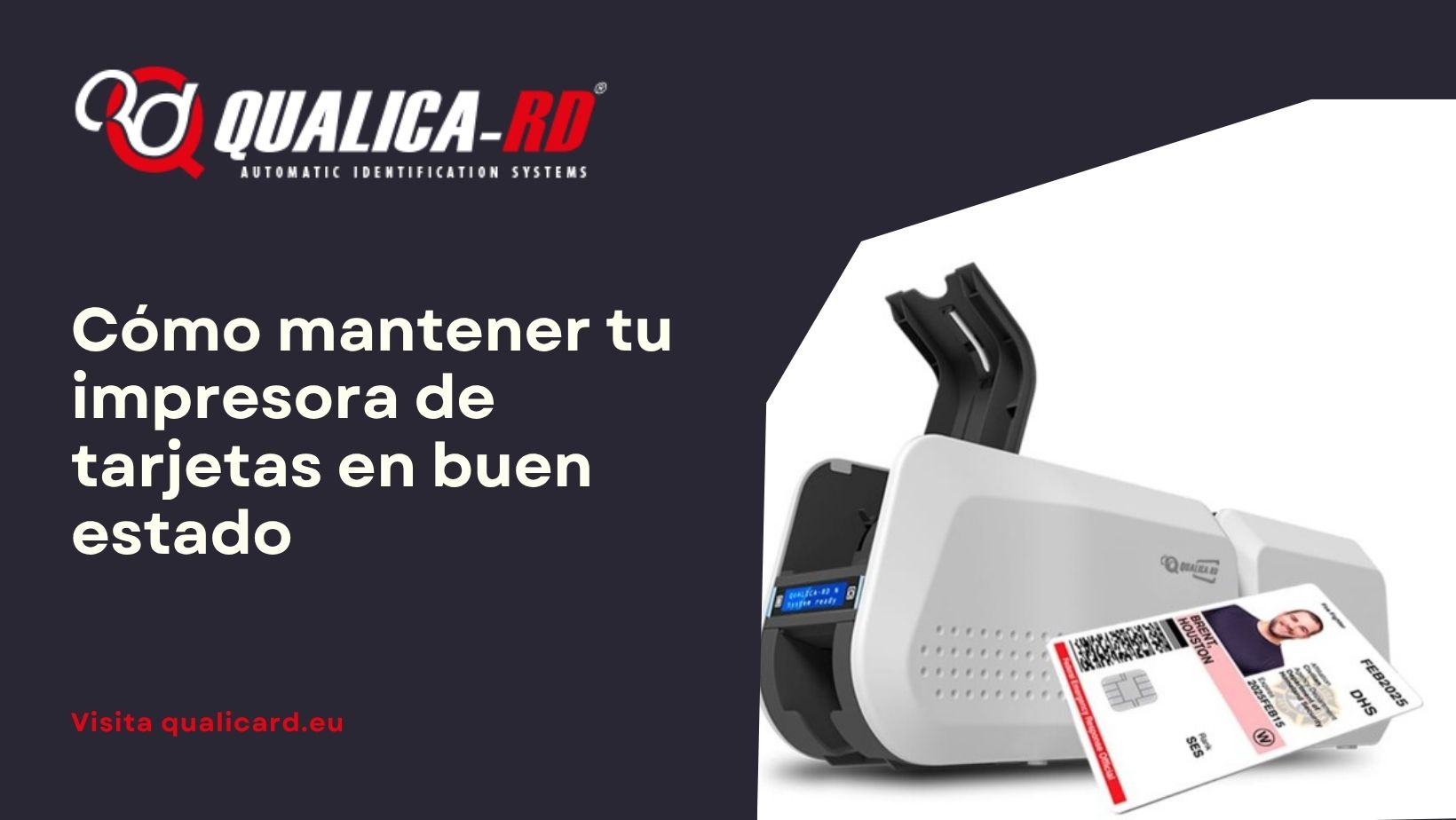
How to keep your card printer in good…
Cómo mantener tu impresora de tarjetas en buen estado El buen funcionamiento…
Go to Post
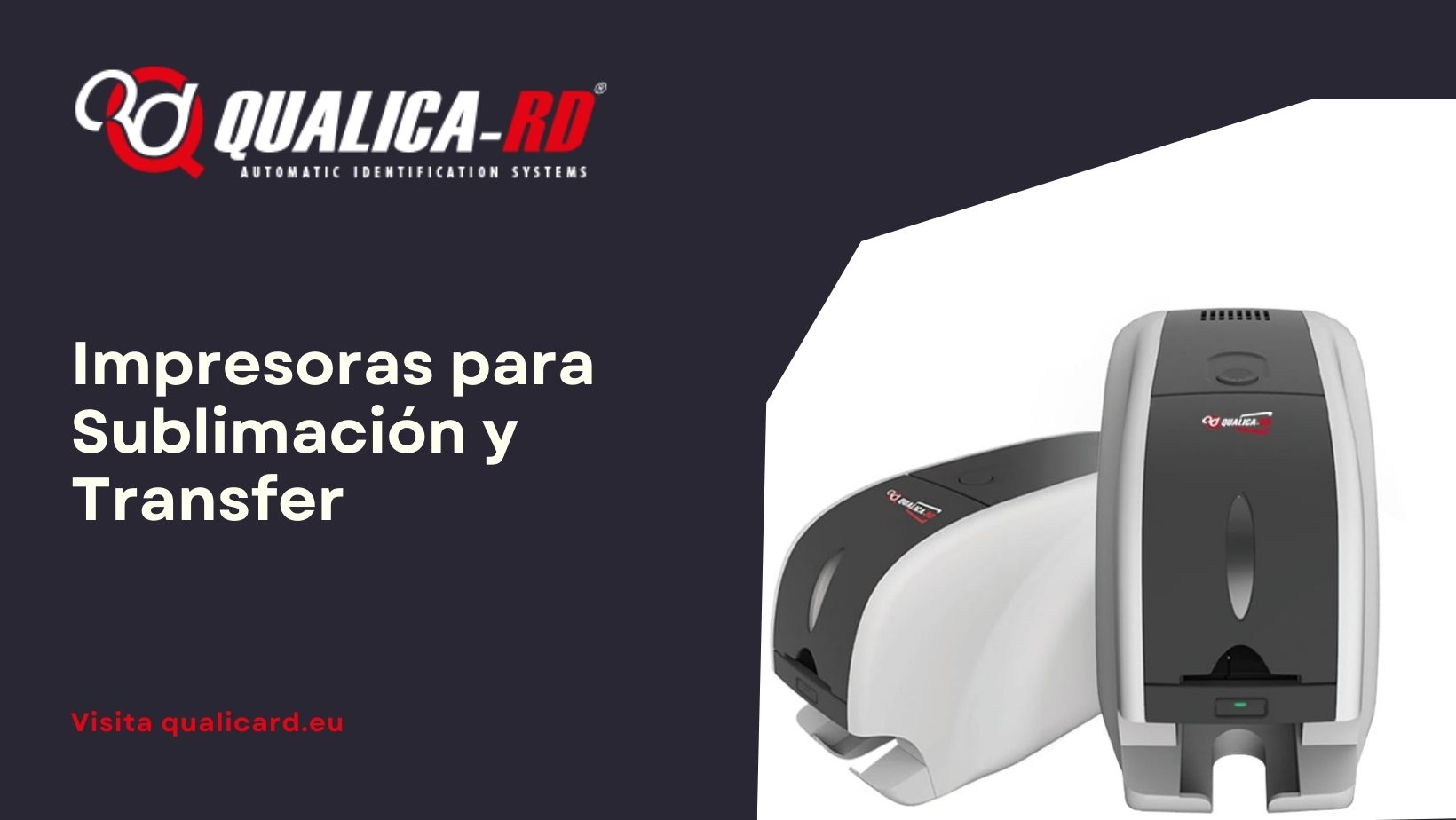
Sublimation and Transfer Printers
Sublimation and Transfer Printers: Complete Guide with Prices, Comparisons, and Recommended Models…
Go to Post