
Business Hours: Monday to Thursday: 7:00 AM – 3:00 PM (Support until 5:00 PM) | Friday: 7:00 AM – 3:00 PM (Support until 2:30 PM)
(+34) 957 326 107
Business Hours: Monday to Thursday: 7:00 AM – 3:00 PM (Support until 5:00 PM) | Friday: 7:00 AM – 3:00 PM (Support until 2:30 PM)
Copyright © 2025 Qualicard. All Rights Reserved.


Technical Support
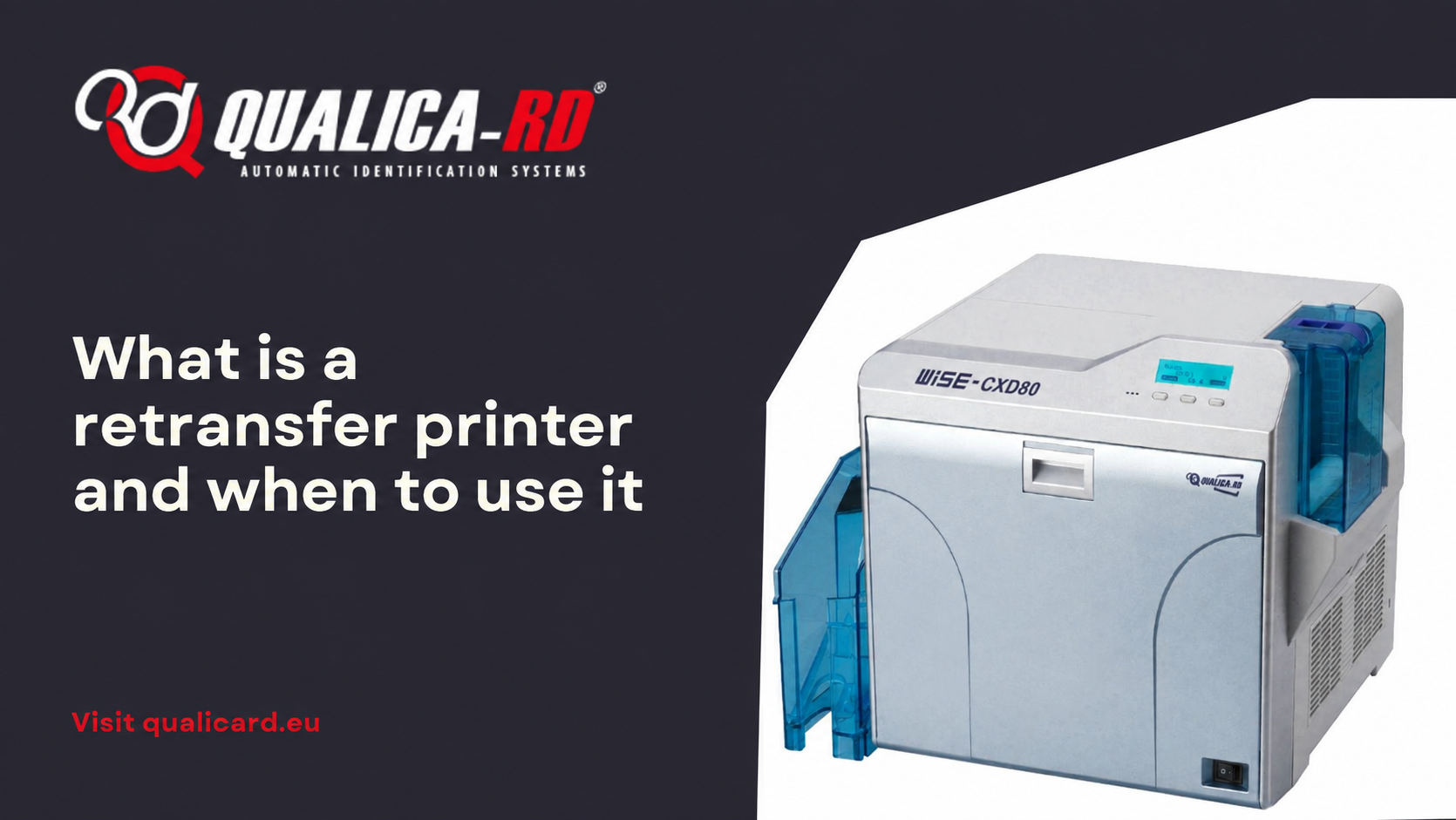
What is a retransfer printer and when to use it
October 1, 2025
In the world of PVC card printers designed to personalize credentials, ID cards, loyalty cards, or access cards, we find different technologies. One of the most advanced is the so-called retransfer printer. In this article we will explain exactly what a retransfer printer is, how it works, in which cases it is advisable to use it, its main benefits, tips for use, and we will finish with a comparison chart to facilitate the choice. Our goal is to help you resolve the search intent: “What is a retransfer printer and when to use it”, with a formal and informative tone.
What is a retransfer printer?
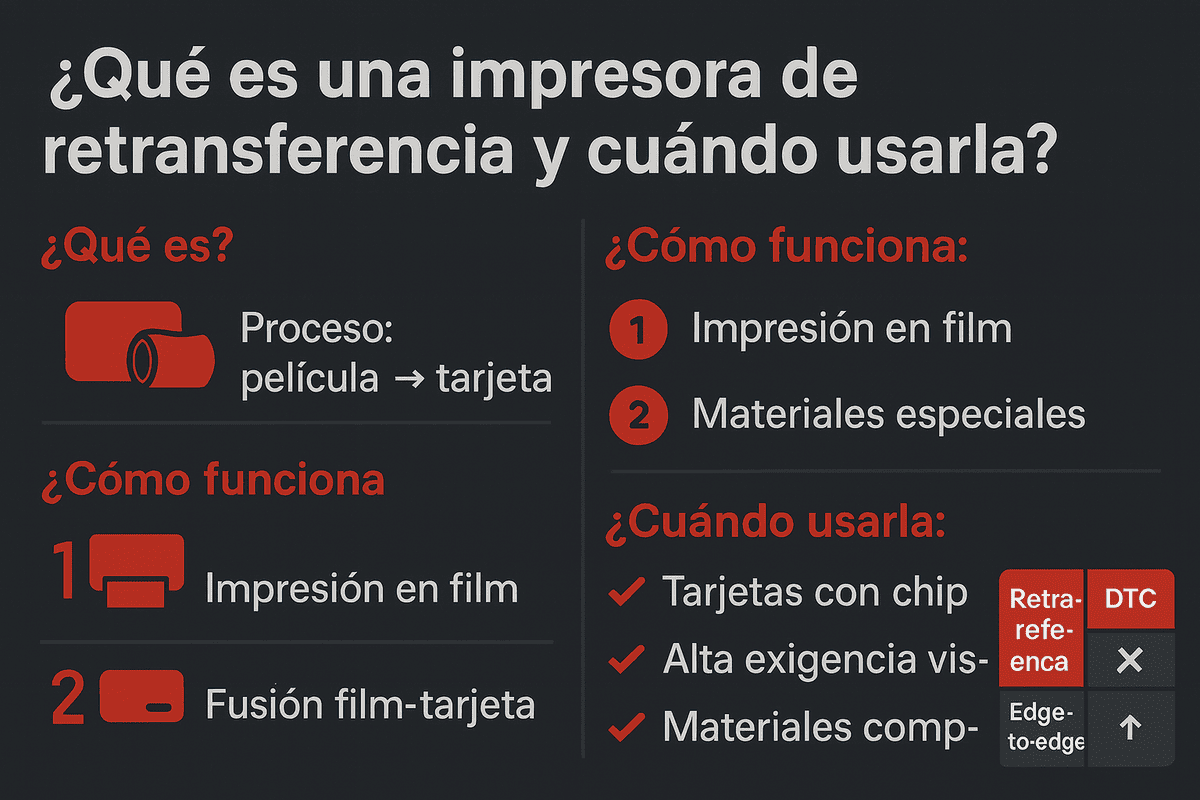
A retransfer printer —also known as a “reverse transfer” or “over-the-edge” printer (edge-to-edge printing) in the context of plastic cards— is a type of printer that does not deposit the image directly onto the card, but instead prints it first onto a transparent film and then transfers that image to the card using heat and pressure.
In other words, the process consists of two stages:
- First stage: the printer prints the design onto the transparent film.
- Second stage: the film with the design is fused onto the card (for example PVC, PET, or similar materials) using heat and pressure.
Thanks to this method, the image is protected under the film, achieving full coverage of the card (“edge-to-edge” printing) without white borders.
How does it differ from a “direct-to-card” printer?
To better understand what a retransfer printer is, it is worth comparing it with the most common technology: the direct-to-card printer (DTC – Direct-to-Card). These print the image directly onto the surface of the card using a thermal print head and sublimation ribbon.
Some of the key differences are:
- Printing method: DTC prints directly on the card; retransfer prints first onto a film and then transfers it.
- Edge-to-edge printing: Retransfer printers allow full coverage (edge-to-edge) without leaving white borders; DTC printers usually do not achieve this as perfectly.
- Material compatibility: Retransfer technology adapts better to cards with irregular surfaces, with chips, with embossing, or diverse materials; DTC is more suitable for standard smooth cards.
- Durability and image quality: Retransfer offers higher image quality, better wear resistance, and protection of the print under the film.
When to use a retransfer printer?
The decision to use a retransfer printer depends on the type of application, volume, required quality, budget, and materials used. Below we detail the main scenarios in which using a retransfer printer is especially recommended.
Cases in which it is advisable
- When edge-to-edge printing (full-bleed) is required without visible white borders.
- When the cards have contact or contactless chips (RFID/NFC), or irregular surfaces.
- If visual quality is a differentiating factor: high resolution for micro-text, QR codes, complex graphics.
- In applications where durability and security are critical: access, control, heavy handling.
- When working with special materials besides PVC, such as PET, polycarbonate, ABS.
Cases in which it is not necessary
- When production volume is low, and the card is standard.
- If the initial budget is limited and the priority is not quality or durability.
- If the cards do not require edge-to-edge printing or a premium finish.
Benefits of using a retransfer printer
- Superior image quality: high resolutions (300 dpi, 600 dpi) allow great sharpness.
- Full coverage: no white margins, “edge-to-edge” image.
- Greater durability: protection against scratches, wear, and handling.
- Compatibility with special cards: chips, irregular surfaces, varied materials.
- Print head protection: the print head does not touch the card directly, less risk of damage.
- Premium appearance: ideal for brands with a cared-for image, VIP cards, luxury credentials.
Tips for using a retransfer printer correctly
- Use recommended materials: cards compatible and resistant to high temperatures.
- Color calibration: make sure the tones match those of the original design.
- Regular maintenance: cleaning, checking print heads and consumables.
- Evaluate print volume: if it is very low, it may not justify the investment.
- Verify chip compatibility: for RFID cards or with embedded chip.
- Take advantage of edge-to-edge design, but without leaving key elements too close to the edge.
- Analyze the cost per card: assess whether the visual impact and quality offset the expense.
Comparison table: Retransfer printers vs Direct-to-Card
| Criterion | Retransfer | Direct-to-Card |
|---|---|---|
| Printing method | Intermediate film + thermal transfer | Direct printing onto card |
| Quality | High definition, vivid colors | Good, but limited on complex materials |
| Edge-to-edge | Yes, full coverage | No, possible white borders |
| Compatible materials | PVC, PET, ABS, with chip or embossing | Standard smooth cards |
| Durability | High, protected image | Moderate |
| Initial investment | High | Low |
| Cost per card | Higher | More economical |
| Speed | Slightly lower | Higher speed |
| Ideal use | Premium cards, security, branding | Basic cards, low cost |
Frequently asked questions about what a retransfer printer is and when to use it
If you are considering incorporating this technology into your organization or simply want to learn more, here we answer some of the most common questions about retransfer printers, how they work, and recommended applications.
What is the difference between a retransfer printer and a direct-to-card printer?
The retransfer printer first prints onto a transparent film and then transfers the image to the card, achieving complete borderless printing. In contrast, the direct-to-card printer (DTC) prints directly onto the surface, which may leave white borders and limits compatibility with certain materials.
When is it most advisable to use a retransfer printer?
Its use is recommended when high print quality is required, cards with chips or with irregular surfaces, as well as in projects where durability and a professional finish are essential, such as corporate credentials, access cards, or premium membership cards.
What type of cards can be printed with this technology?
Retransfer printers allow printing on a wide variety of materials: PVC, PET, polycarbonate cards, and cards with chips (RFID/NFC). They are ideal for irregular, textured, or heat-sensitive surfaces, where other technologies might fail.
Share
Related News

Guide to printing credentials for events
Complete Guide to Printing Event Badges In this guide to printing event…
Go to Post
How to keep your card printer in good…
Cómo mantener tu impresora de tarjetas en buen estado El buen funcionamiento…
Go to Post
Sublimation and Transfer Printers
Sublimation and Transfer Printers: Complete Guide with Prices, Comparisons, and Recommended Models…
Go to Post