
Business Hours: Monday to Thursday: 7:00 AM – 3:00 PM (Support until 5:00 PM) | Friday: 7:00 AM – 3:00 PM (Support until 2:30 PM)
(+34) 957 326 107
Business Hours: Monday to Thursday: 7:00 AM – 3:00 PM (Support until 5:00 PM) | Friday: 7:00 AM – 3:00 PM (Support until 2:30 PM)
Copyright © 2025 Qualicard. All Rights Reserved.


Technical Support
How to print professional PVC cards: step by step
May 18, 2025
How to print professional PVC cards: step by step
Mastering the process of how to print professional PVC cards: step by step is essential for companies, educational institutions, and organizations that aim to offer an impeccable and secure presentation in their IDs or credentials. From card design to choosing the right printing software, every detail counts to achieve professional-quality results.
What are PVC cards?
PVC cards (polyvinyl chloride) are durable, wear-resistant plastics commonly used for ID cards, memberships, access, or loyalty cards. Their versatility and adaptability make them the standard for custom card printing.
Advantages of printing PVC cards professionally
Printing your own PVC cards offers multiple benefits:
- Full control over design and data.
- Cost reduction in the long term compared to external suppliers.
- Immediate personalization for new employees, events, or promotions.
- Print quality tailored to your specific needs.
Step by step: How to print professional PVC cards
Below, we explain each key stage to achieve professionally quality cards:
1. Define the purpose of the cards
Before printing, it is important to be clear about their use: identification, access control, loyalty, promotions, etc. This will determine the type of card, its design, and whether encoding is required.
2. Choose the type of card and finish
PVC cards can come blank or with special finishes:
- Standard cards (white, 85.6 mm x 53.98 mm)
- With magnetic stripe or RFID chip
- Matte or glossy finish
- With die-cutting or perforation for lanyards
3. Design the card
Use professional card design software to ensure alignment, resolution, and customization. Some popular tools:
- CardPresso
- Badge Studio
- eMedia
- Photoshop or Illustrator (with templates)
Design tips:
- Use high-resolution images (300 dpi).
- Define safe margins to avoid cropping.
- Use legible fonts and contrasting colors.
- Include elements such as name, position, logo, and QR code if needed.
4. Select a PVC card printer
PVC card printers can use different technologies:
- Direct sublimation: prints directly onto the card. Ideal for general use.
- Retransfer: prints onto an intermediate film, with higher quality and full coverage. Recommended for cards with chips or special finishes.
Recommended models:
- Fargo DTC1250e (sublimation)
- HID Fargo HDP5000 (retransfer)
- Zebra ZC300 (sublimation)
5. Prepare the printer and consumables
Install the printer drivers and make sure you have:
- YMCKO print ribbon: for full-color cards with protective overlay.
- Feeder loaded with blank, clean cards.
- Printing software installed and configured.
6. Perform test prints
Before launching mass prints, run tests to verify:
- Print quality
- Element alignment
- Data errors or margins
7. Print the cards
With everything prepared, start printing from the software. Make sure to supervise the process to avoid jams or defective prints.
8. Verification and storage
Once printed, review the cards and store them in a clean, protected place. For ID cards, you can also laminate or encapsulate them for greater durability.
Comparison: Technologies and options for printing PVC cards
| Aspect | Direct sublimation | Retransfer |
|---|---|---|
| Print quality | Good | Excellent (photographic) |
| Cost per card | Lower | Higher |
| Compatibility with chips/RFID | Limited | Full |
| Speed | High | Medium |
| Durability | Medium | High |
Common mistakes when printing PVC cards
Avoid these typical pitfalls when seeking professional print quality:
- Using low-resolution images
- Not cleaning the cards before printing
- Skipping software calibration with the printer
- Not reviewing the cards before delivering them
Additional tips for professional printing
- Perform periodic maintenance on the printer and printheads.
- Store YMCKO ribbons in cool, humidity-free places.
- Consider laminating cards for greater resistance and durability.
- Apply security protocols for sensitive data on credentials.
Conclusion
Now that you know how to print professional PVC cards: step by step, you are ready to implement an efficient, cost-effective, and high-quality solution for your company or institution. Today’s PVC card printers offer advanced features that, combined with good design and suitable materials, guarantee impeccable results. Control the entire process and enhance your organization’s presentation and identity with custom-made, personalized cards.
Frequently asked questions about how to print professional PVC cards: step by step
When tackling the process of how to print professional PVC cards: step by step, it is normal to have technical questions or doubts about material choice. Below, we answer the most common questions to help you achieve optimal results.
What type of printer do I need to print professional PVC cards?
To achieve professional quality, it is recommended to use direct sublimation or thermal retransfer PVC card printers. The choice will depend on the quality level, print volume, and whether the cards need encoding or special finishes.
What is the function of the YMCKO ribbon in card printing?
The YMCKO ribbon is an essential consumable that contains color panels (yellow, magenta, cyan, black) and an overlay panel. This combination allows printing full-color cards with a protective layer that extends their durability.
Can I design and print cards without graphic design experience?
Yes. There are easy-to-use card design and printing software options with pre-designed templates and intuitive interfaces that allow you to create personalized cards without advanced technical knowledge.
Share
Related News
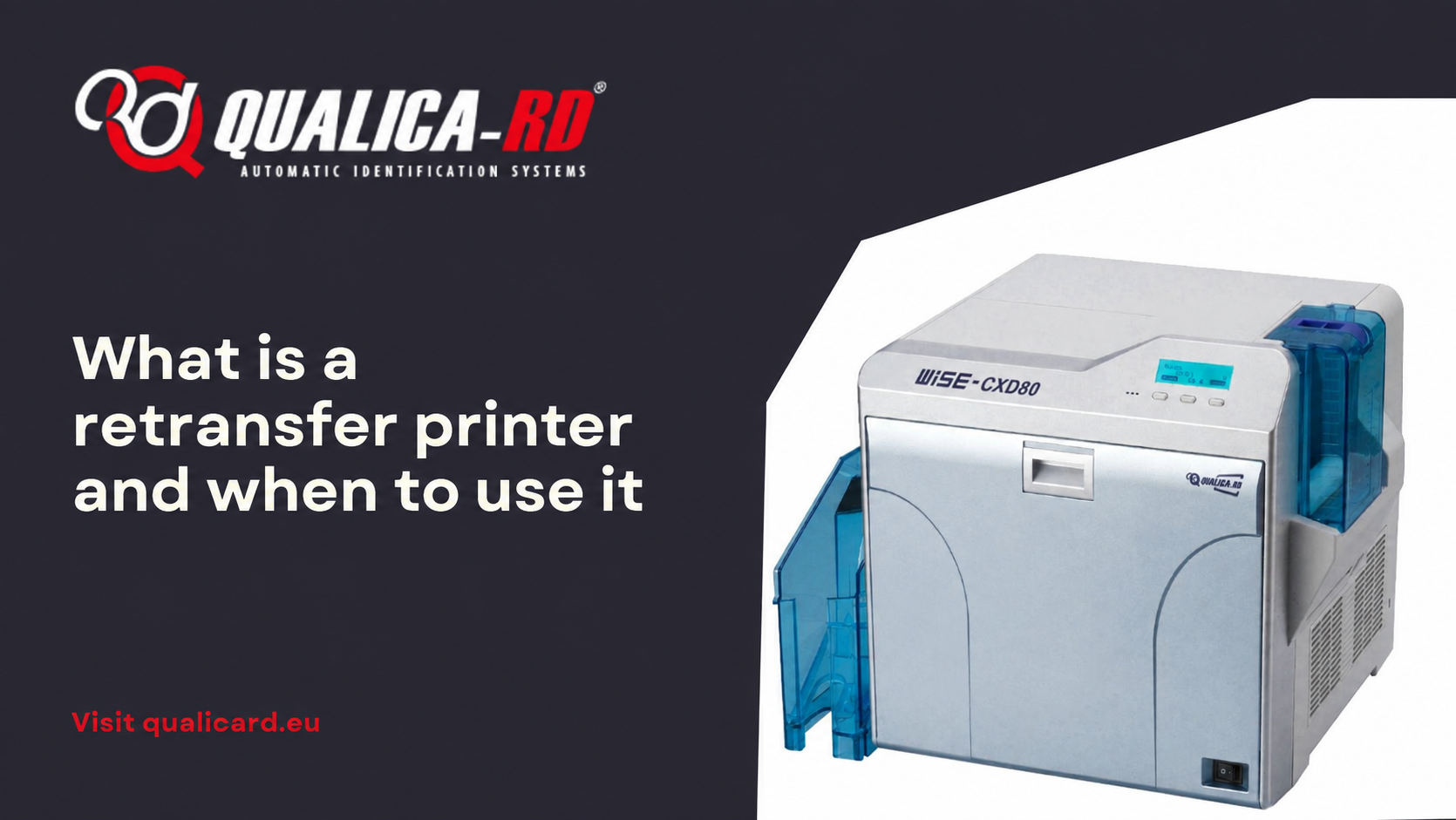
What is a retransfer printer and when to…
In the world of PVC card printers designed to personalize credentials, ID…
Go to Post
Guide to printing credentials for events
Complete guide to printing badges for events In this guide to printing…
Go to Post
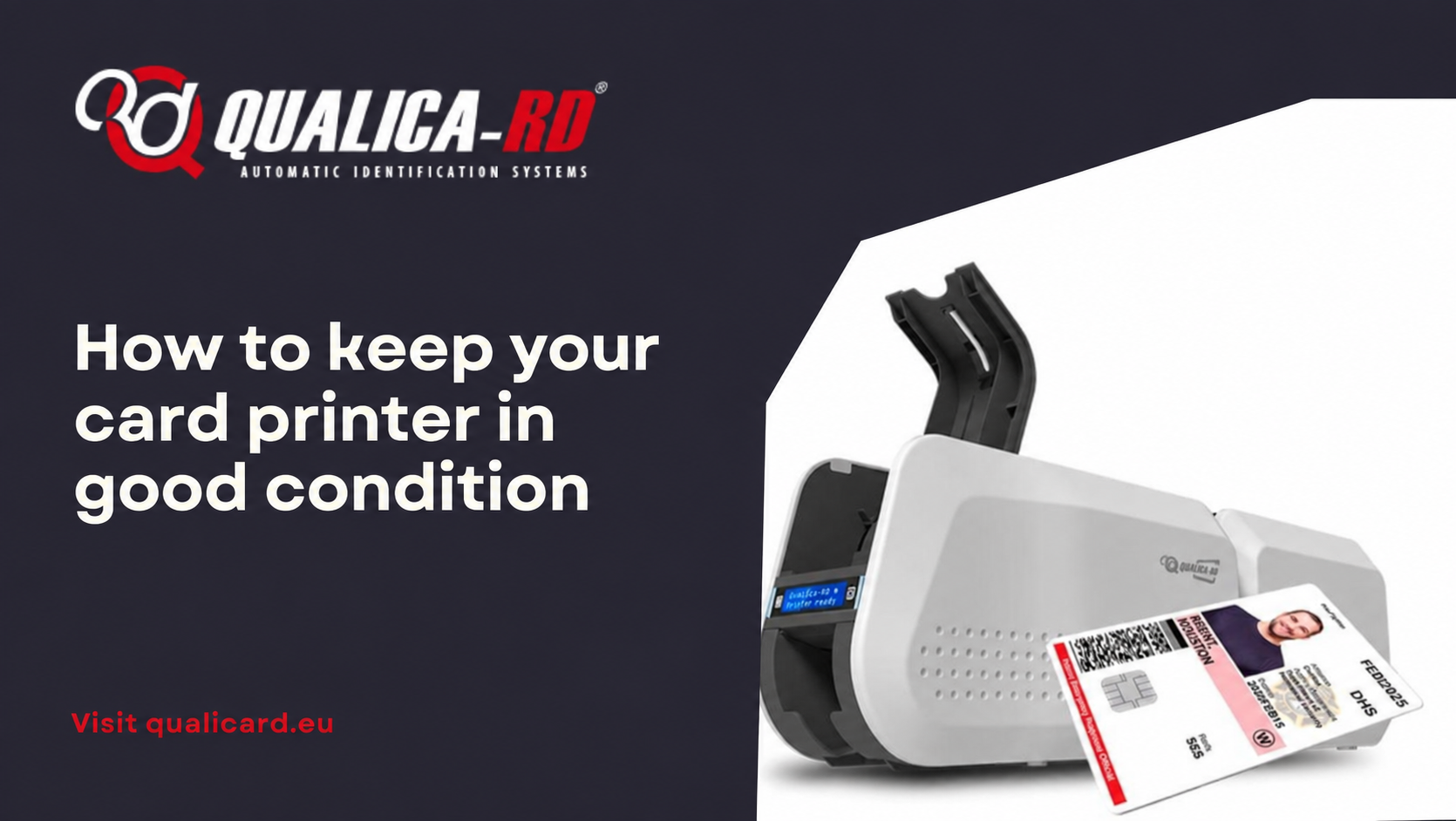
How to keep your card printer in good…
How to keep your card printer in good condition The proper functioning…
Go to Post