
Business Hours: Monday to Thursday: 7:00 AM – 3:00 PM (Support until 5:00 PM) | Friday: 7:00 AM – 3:00 PM (Support until 2:30 PM)
(+34) 957 326 107
Business Hours: Monday to Thursday: 7:00 AM – 3:00 PM (Support until 5:00 PM) | Friday: 7:00 AM – 3:00 PM (Support until 2:30 PM)
Copyright © 2025 Qualicard. All Rights Reserved.


Technical Support
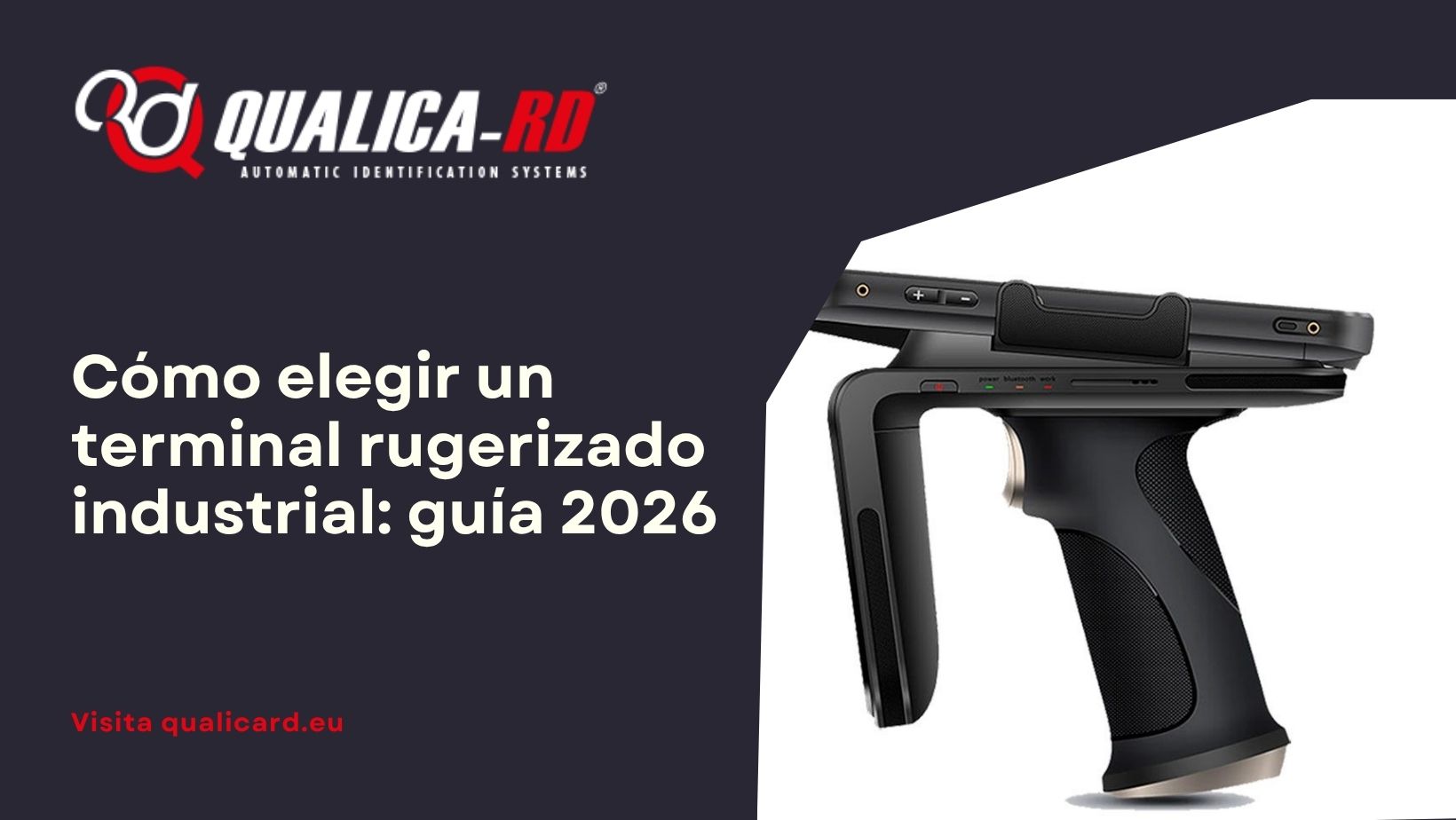
How to choose an industrial ruggedized terminal: 2026 guide
June 10, 2026
An industrial ruggedized terminal is not a “reinforced” mobile phone: it is a professional tool designed to work full shifts in environments where dust, water, bumps, and falls are part of everyday life. At Qualica-RD we have been advising logistics, warehouse, delivery, and field companies for years on which model to choose based on actual use, not on the technical spec sheet. This guide includes the criteria we apply: it falls, gets wet, gets dirty, and keeps working.
What is an industrial ruggedized terminal (and what it is not)
A ruggedized terminal is a handheld or tablet-type device, with Android operating system, that integrates in a single device: 1D/2D barcode scanner, interchangeable battery, 4G/5G/Wi-Fi/Bluetooth connectivity and, depending on the model, UHF RFID, NFC, fingerprint reader or industrial camera.
It is not:
The 7 criteria that we apply to recommend a model
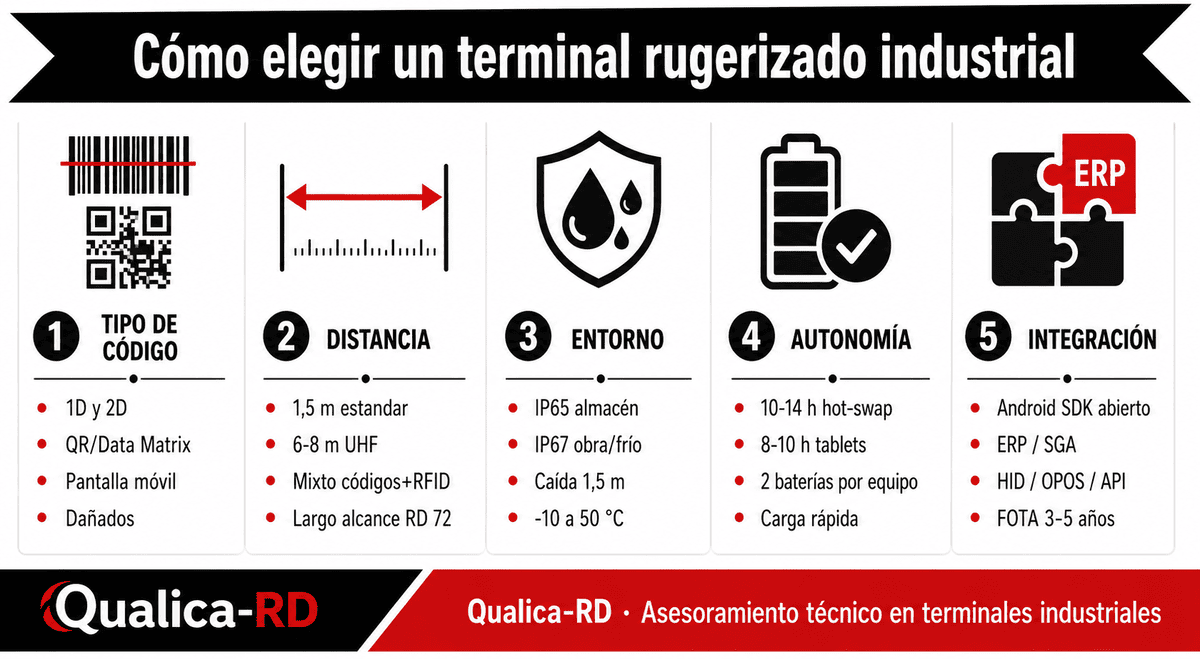
Not all terminals are suitable for everything. These are the seven criteria we use with our clients:
1. Type of code to read
Does your operation read only 1D codes (EAN, Code 128) or also 2D (QR, Data Matrix, PDF417)? Most current models read both, but it is advisable to confirm it. For reading damaged codes or those printed on a mobile screen, the 2D imager module is mandatory.
2. Distance and reading conditions
On shelves at 1.5 m, a standard imager is sufficient. If you work with pallets at 6-8 m, you need long-range UHF RFID. If you combine both, look for dual models like the Qualica-RD range RD 50, RD 60, RD 72 or RD R6.
3. Physical environment: IP, drops, temperature
IP certification is the most misleading piece of data. IP65 = protected against dust and water jets (suitable for warehouse). IP67 = brief immersion (construction site, outdoors, cold storage room with condensation). Also ask for drop rating: 1.2 m, 1.5 m or 1.8 m onto concrete. And operating temperature range: a terminal working in a cold storage at -10 °C is not the same as one in a warehouse at 25 °C.
4. Autonomy and battery management
What defines a bottleneck-free operation is the battery. Models with hot-swap battery (replaceable without powering off) such as RD 60, RD 70, RD 71, RD 72, and RD 75 cover shifts of 10-14 hours without interruptions. Tablets (RD 80, RD 100) typically last 8-10 hours with fast charging.
5. Operating system and SDK
Android 10/12/14 with open SDK and FOTA update support for 3-5 years. This prevents the device from becoming obsolete due to Google updates and allows you to integrate it with your ERP or WMS with total freedom.
6. Real connectivity (not just “Wi-Fi”)
Wi-Fi must support fast roaming between APs (802.11r/k/v) if the site is large. 4G/5G for mobile fleets. Bluetooth 5.0+ for accessories (printers, readers). USB-C with OTG for charging and data.
7. Ergonomics and intensive use
Weight, grip with glove, scan trigger, sunlight-readable screen, fog resistance. Ergonomics is invisible in the technical data sheet but accounts for 80% of returns.
Comparison of the Qualica-RD range for industrial use
| Modelo | Formato | Códigos | RFID/NFC | IP / caída | Ideal para |
|---|---|---|---|---|---|
| RD 100 Tablet 5G | Tablet industrial | 1D + 2D | Opcional | IP65 / 1,2 m | Campo, flotas 5G, inspecciones visuales |
| RD 80 Tablet | Tablet industrial | 1D + 2D | Opcional | IP65 / 1,2 m | Almacén, formularios en pantalla |
| RD 50 | Handheld compacto | 1D + 2D | UHF + NFC | IP65 / 1,5 m | Logística, retail móvil, picking intensivo |
| RD 60 | Handheld con gatillo | 1D + 2D | UHF + NFC | IP65 / 1,5 m | Operario en campo, almacén intensivo |
| RD 61 | Handheld con teclado físico | 1D + 2D | UHF + NFC | IP65 / 1,5 m | Operario con guantes, entrada intensiva de datos |
| RD 70 | Handheld bio (iris) | 1D + 2D | RFID 13,56 MHz + NFC + iris | IP65–IP67 / 1,5 m | Identificación biométrica + escáner |
| RD 70 T | Handheld bio + temperatura | 1D + 2D | UHF + NFC | IP65 / 1,5 m | Sanidad, alimentos, control de temperatura |
| RD 71 | Handheld multi-bio | 1D + 2D | UHF + NFC + huella + iris + SAM | IP65–IP67 / 1,5 m | Identificación segura (módulos SAM) |
| RD 72 | Handheld largo alcance | 1D + 2D | UHF largo alcance | IP65 / 1,5 m | Lectura de tags sin contacto, estanterías |
| RD 75 | Handheld con impresora | 1D + 2D | UHF + NFC | IP65 / 1,5 m | Tickets, etiquetas, prueba de entrega |
| RD 600 Tablet transporte | Tablet antivibración | 1D + 2D | Opcional | IP65 / antivibración | Flotas, transporte público, logística rodante |
What to look at (and what to ignore) in the technical data sheet
What matters: Real IP (not “splash-resistant”), meters of drop onto concrete, battery life with intensive use (not stand-by), open SDK, FOTA, warranty and spare parts stock in Spain.
What is overvalued: the number of processor cores, the exact version of Gorilla Glass and the megapixels of the rear camera. A professional terminal does not need more than 13 MP in the camera; what it needs is reliability for 3 years.
How to avoid the 5 most common mistakes
Frequently asked questions about industrial ruggedized terminals
What is the difference between IP65 and IP67 in an industrial terminal?
IP65 protects against total dust and water jets (valid for standard warehouse). IP67 adds resistance to brief immersion (1 m for 30 min), therefore it is mandatory on construction sites, outdoors with heavy rain and cold rooms with condensation.
How long does the battery last on average under intensive use?
Between 10 and 14 hours of continuous use in models with hot-swap (RD 60, RD 70, RD 71, RD 72, RD 75). Tablets (RD 80, RD 100) last around 8-10 hours. We always recommend two batteries per device to cover long shifts without interruption.
Do they work with my ERP or management software?
Yes. The Qualica-RD range works on Android with an open SDK and supports HID (keyboard mode), OPOS, COM emulation and native APIs. It is compatible with SAP, Oracle WMS, Manhattan, Bluetensor, Compact and any custom development via REST API.
Do I need technical support in Spain?
It is essential. Qualica-RD offers direct support, official warranty, and spare parts stock from Spain, with repair SLA and equipment loan. Avoid models whose warranty depends on shipments from Asia.
And data security?
Qualica-RD terminals support Android Enterprise, disk encryption, remote MDM (wipe/lock in case of theft) and, in models with SAM modules (RD 71), can store secure credentials for digital signature or corporate identities.
Next step
If you are considering a ruggedized terminal for your operation, at Qualica-RD we prepare a personalized report based on your use case (volume, type of code, physical environment, integration with your software). Request it without obligation and we will send you a technical and economic proposal within 24-48 hours.
Share
Related News
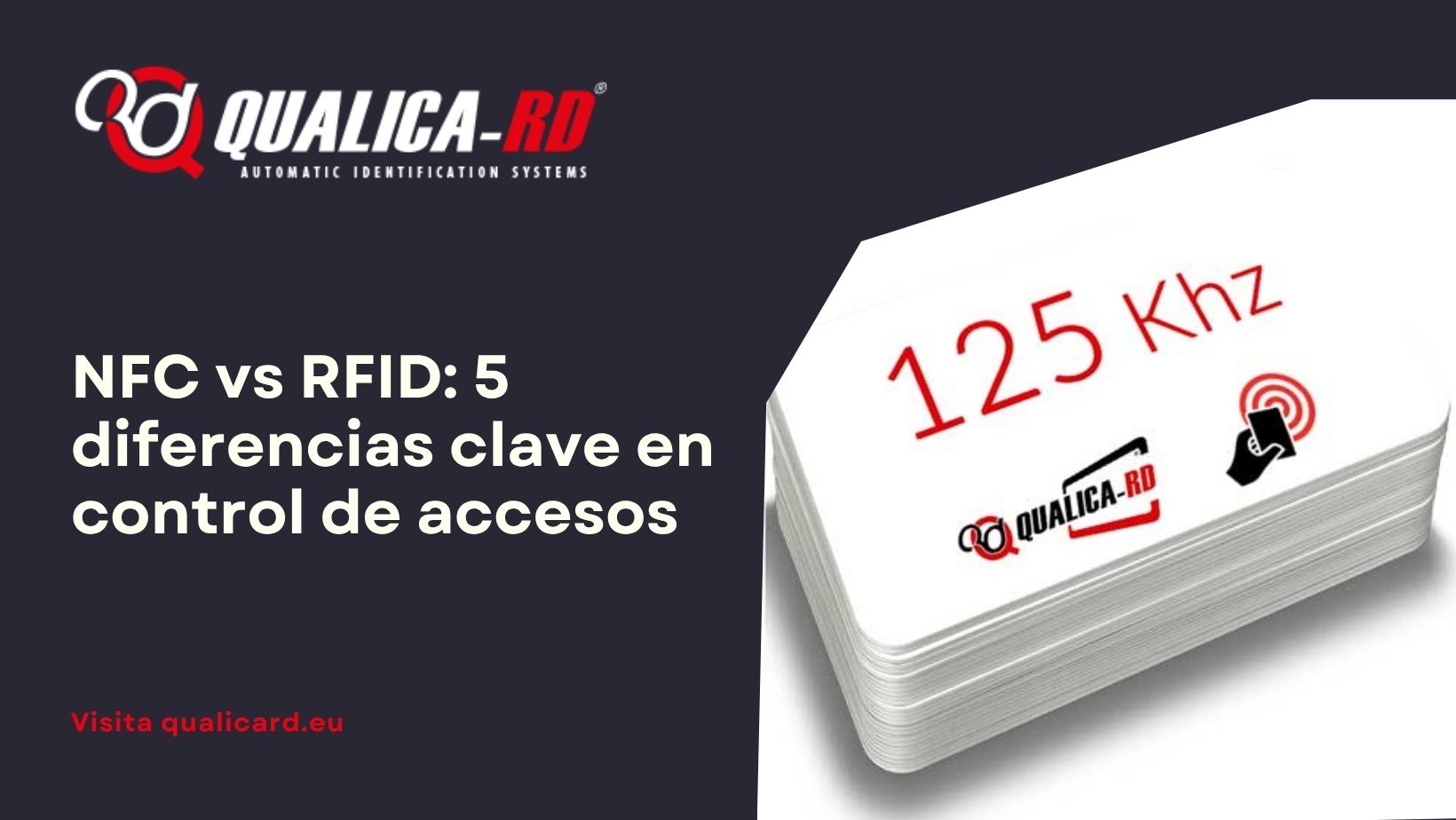
NFC vs RFID: 5 diferencias clave en control…
“¿Es NFC o RFID?” Nos lo preguntan cada semana. La confusión es…
Go to Post
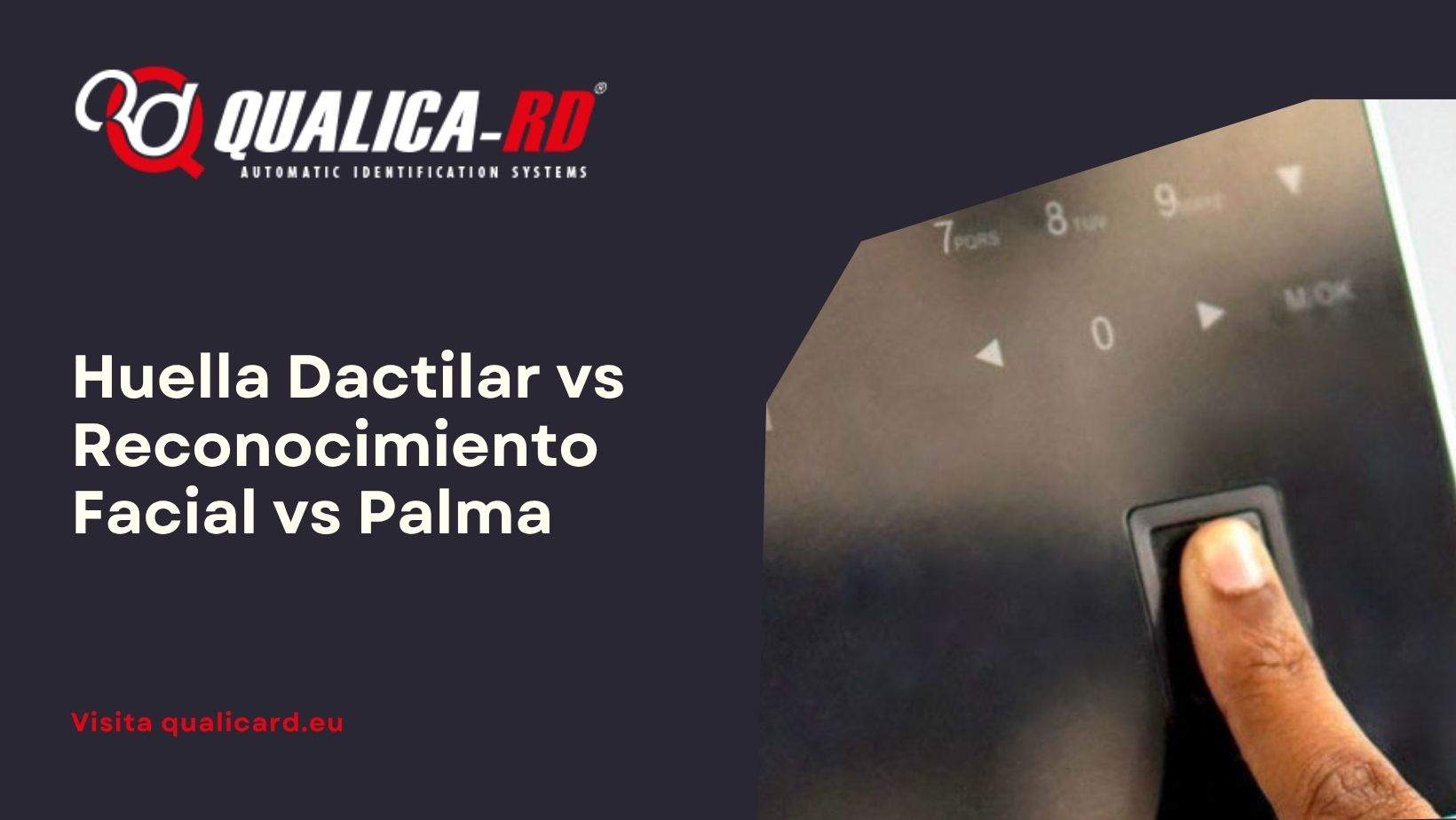
Fingerprint vs Facial Recognition vs Palm: Which Biometric…
The B2B buyer’s dilemma You have to implement an access control or…
Go to Post
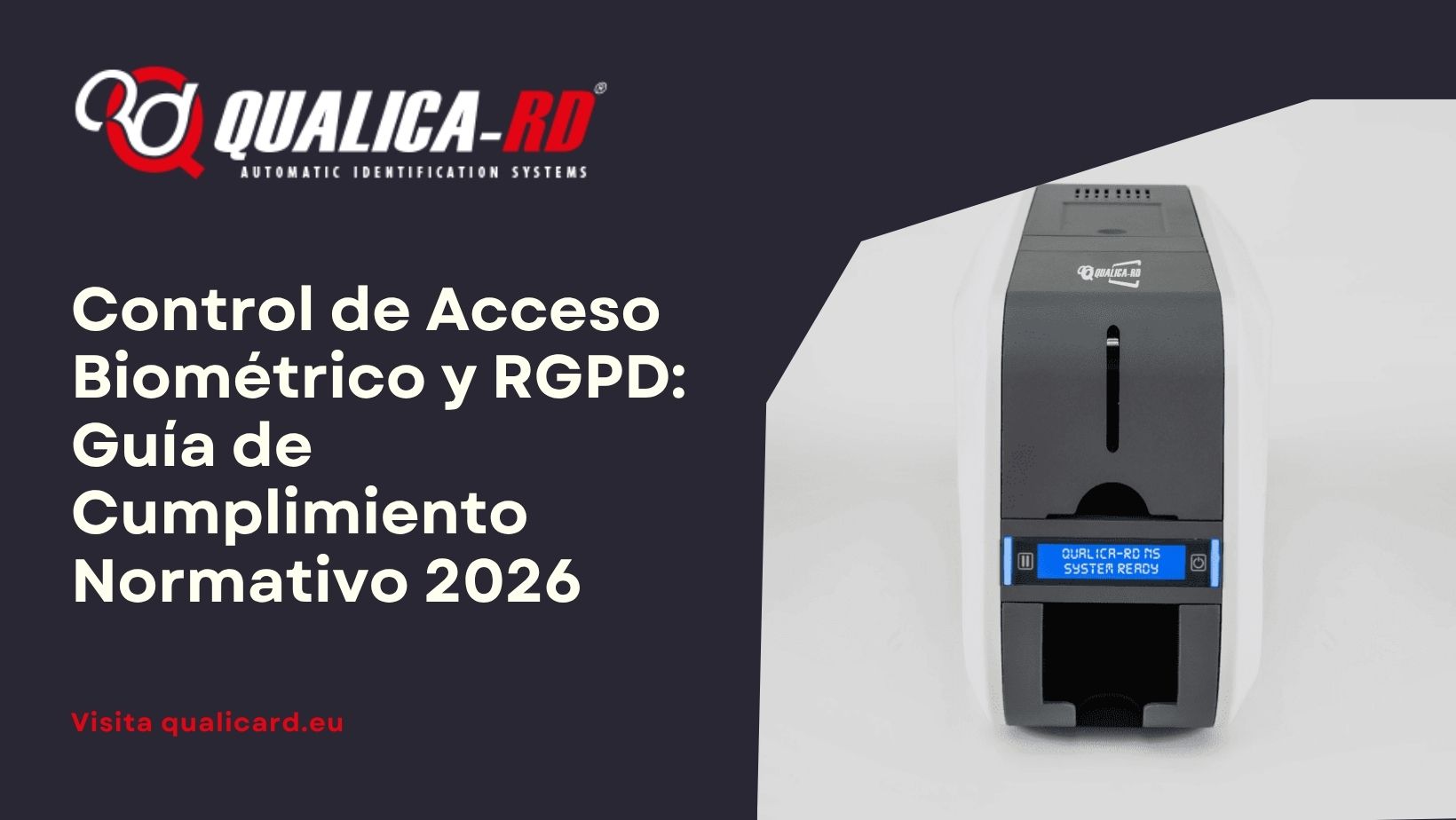
Biometric Access Control and GDPR: 2026 Regulatory Compliance…
Is it legal to use fingerprint or facial recognition to clock in…
Go to Post