
Business Hours: Monday to Thursday: 7:00 AM – 3:00 PM (Support until 5:00 PM) | Friday: 7:00 AM – 3:00 PM (Support until 2:30 PM)
(+34) 957 326 107
Business Hours: Monday to Thursday: 7:00 AM – 3:00 PM (Support until 5:00 PM) | Friday: 7:00 AM – 3:00 PM (Support until 2:30 PM)
Copyright © 2025 Qualicard. All Rights Reserved.


Technical Support
Card Printers: Everything You Need to Know
February 4, 2025
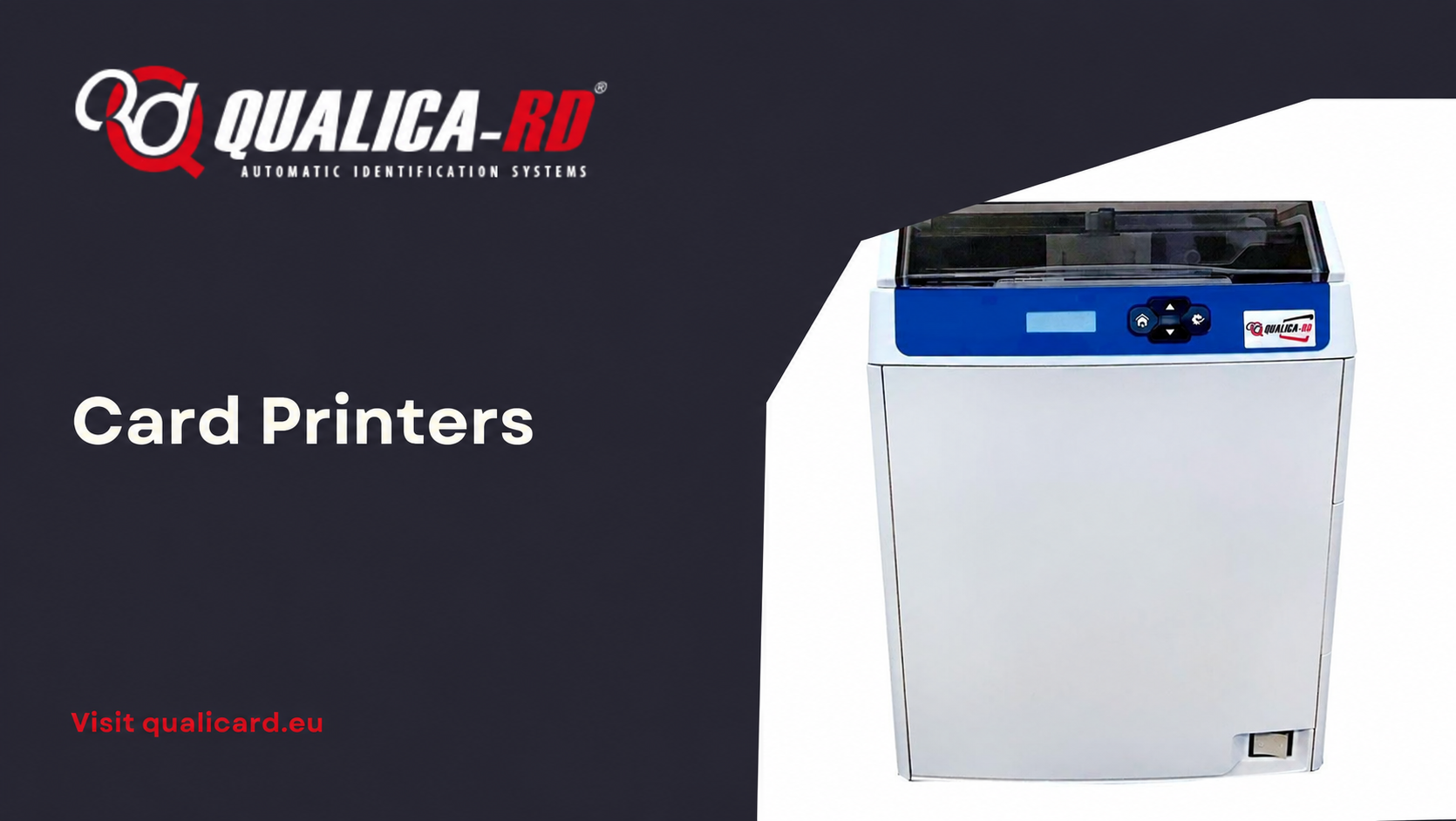
Card printers have become essential tools for organizations seeking efficient solutions for creating identifications, memberships, and other types of personalized cards. This article offers a detailed overview of card printers, with a particular focus on PVC card printers, their benefits, and useful tips for selection and use.
What is a Card Printer?
A card printer is a device designed to print directly onto plastic cards, commonly made of PVC (polyvinyl chloride). These printers allow the customization of cards with texts, images, barcodes, and other security features.
Benefits of Card Printers
Using card printers offers multiple advantages:
- Immediate Personalization: They enable the instant issuance of personalized cards, which is ideal for employee credentials, access cards, or memberships.
- Security Control: They facilitate the incorporation of security elements such as holograms, RFID chips, or magnetic stripes, improving access control and card authenticity.
- Cost Efficiency: Although the initial investment can be significant, in the long run it is more economical than outsourcing card production, especially in large volumes.
- Flexibility: They offer the possibility of printing different designs and updating card information as needed.
Types of Card Printers
There are various types of card printers, each suited to specific needs:
Thermal Sublimation Printers
They use heat to transfer ink from a ribbon to the card surface, producing high-quality images. They are ideal for full-color printing and fine details.
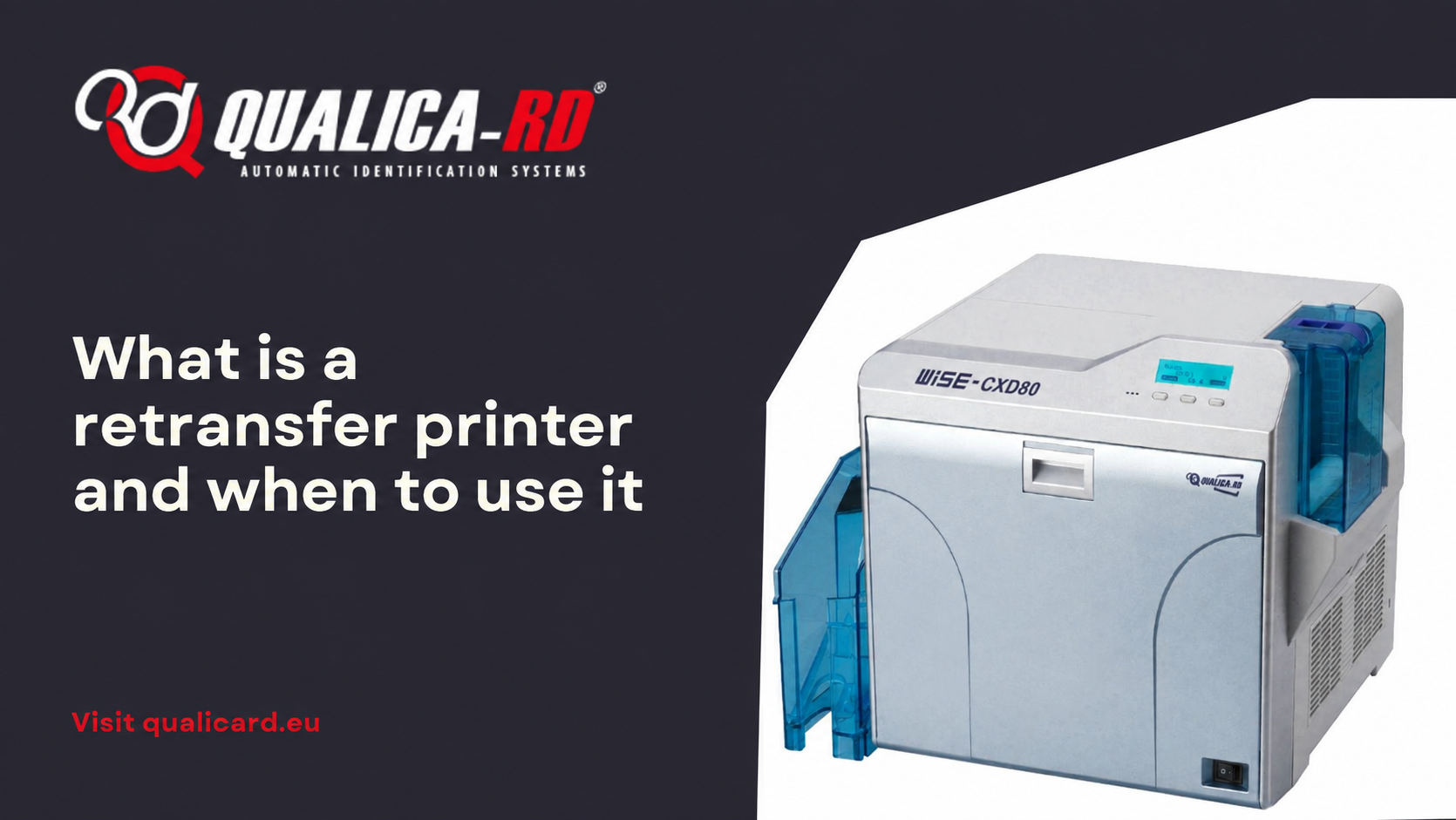
Retransfer Printers
They print the image onto a film that is then fused to the card, allowing edge-to-edge printing and making them suitable for cards with irregular surfaces or with embedded chips.
Rewrite Printers
They allow erasing and reprinting information on the same card multiple times, which is useful for temporary or visitor cards.
PVC Card Printers
PVC card printers are the most common due to the durability and versatility of the material. PVC is wear-resistant, flexible, and suitable for a wide range of applications, from ID cards to loyalty cards.
Leading Brands on the Market
Some of the leading brands in PVC card printers include:
- Zebra: Offers ID card printers that facilitate the creation and printing of high-quality, durable cards for various applications.
- Evolis: Provides card printers with high print quality and optimal security options, thanks to their retransfer technology.
- Fargo HID: Recognized for its secure, high-definition printing solutions for ID cards.
Tips for Selecting a Card Printer
When choosing a card printer, consider the following aspects:
- Print Volume: Determine how many cards you plan to print monthly to select a printer that handles that volume efficiently.
- Card Type: Consider whether you need single- or double-sided printing, and whether you require additional features like magnetic stripe or RFID encoding.
- Print Quality: Evaluate the print resolution and image quality the printer can deliver.
- Connectivity: Make sure the printer is compatible with your system and offers suitable connectivity options, such as USB, Ethernet, or Wi-Fi.
- Budget: Consider not only the initial cost of the printer but also ongoing consumable and maintenance costs.
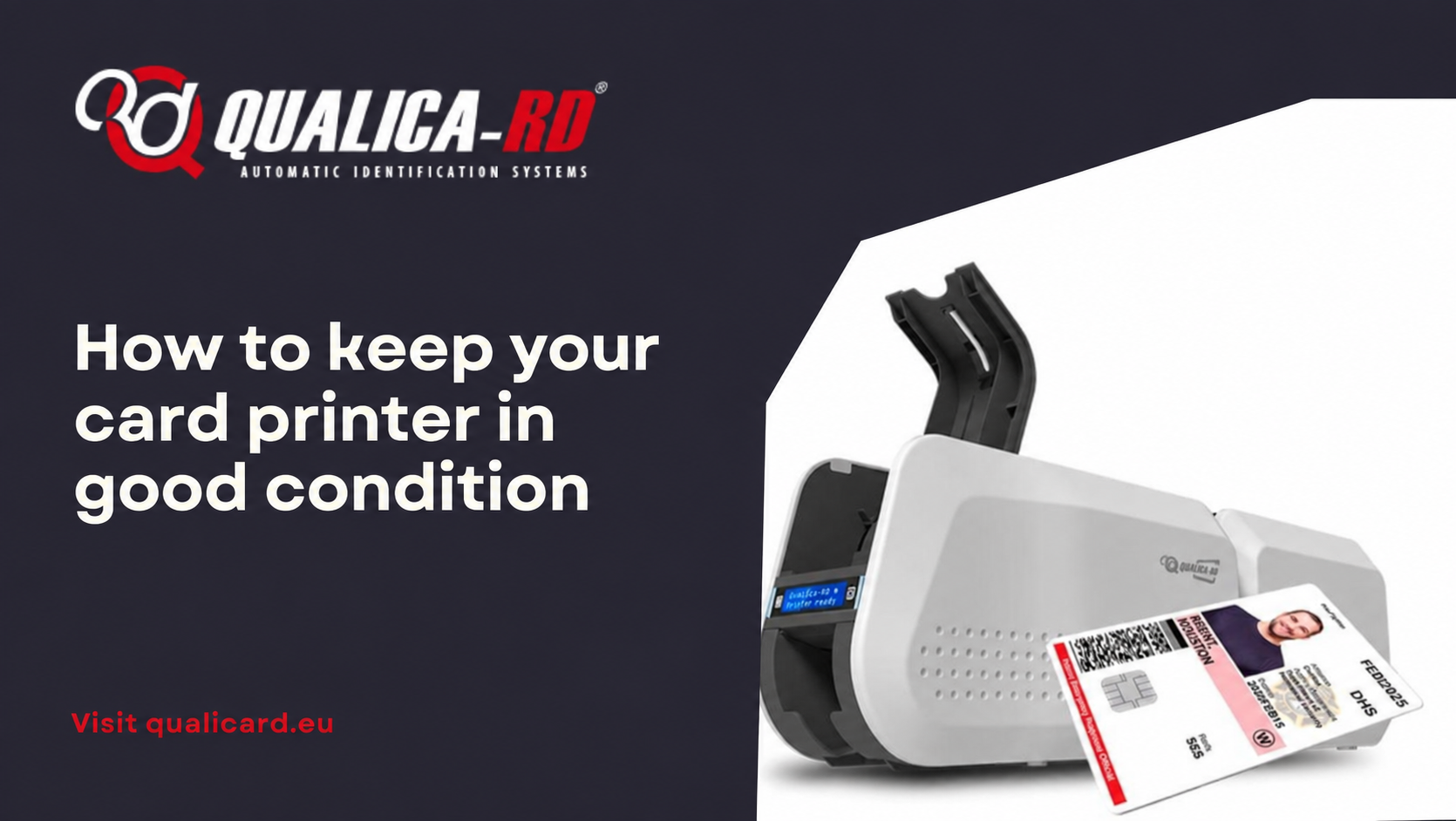
Maintenance and Care of Your Card Printer
To ensure a long service life and optimal performance of your card printer:
- Regular Cleaning: Follow the manufacturer’s recommendations for cleaning internal and external components.
- Use of Original Consumables: Use ribbons, cards, and other consumables recommended by the manufacturer to avoid damage and ensure print quality.
- Software Updates: Keep the printer firmware and drivers updated to ensure compatibility and performance improvements.
Common Applications of Card Printers
Card printers are used in a variety of sectors, including:
- Corporate: For issuing employee credentials and access cards.
- Education: Creating student IDs and library cards.
- Healthcare: Issuing health cards and patient identification.
- Events: Production of passes and credentials for conferences and trade shows.
- Retail: Loyalty and membership cards for customers.
Conclusion
Card printers represent a versatile and efficient solution for creating personalized cards across various sectors. By understanding their benefits, types, and key considerations, you can select the printer that best suits your organization’s specific needs, ensuring a profitable investment and an improvement in your identification and control processes.
Frequently Asked Questions about Card Printers
If you are considering acquiring a card printer, it is natural to have questions about its operation, advantages, and maintenance. Below, we answer some of the most common questions to help you make an informed decision.
What type of cards can I print with a card printer?
Card printers can print on a wide variety of materials, although the most common are PVC cards. They can also print on cards with magnetic stripes, RFID, or smart chips, depending on the model.
How long does the print last on a PVC card?
The durability of the print depends on the ink quality and the printing method used. Generally, a printed PVC card made with a thermal sublimation printer can last between 3 and 5 years, especially if it has a protective overlay.
What maintenance is required for a card printer?
To ensure optimal operation, it is recommended to regularly clean the print rollers, use original cards and ribbons, and follow the manufacturer’s instructions to prevent the buildup of dust or residues that could affect print quality.
Share
Related News
What is a retransfer printer and when to…
In the world of PVC card printers designed to personalize credentials, ID…
Go to Post
Guide to printing credentials for events
Complete guide to printing badges for events In this guide to printing…
Go to Post
How to keep your card printer in good…
How to keep your card printer in good condition The proper functioning…
Go to Post