Business Hours: Monday to Thursday: 7:00 AM – 3:00 PM (Support until 5:00 PM) | Friday: 7:00 AM – 3:00 PM (Support until 2:30 PM)
(+34) 957 326 107
Business Hours: Monday to Thursday: 7:00 AM – 3:00 PM (Support until 5:00 PM) | Friday: 7:00 AM – 3:00 PM (Support until 2:30 PM)
Copyright © 2025 Qualicard. All Rights Reserved.


Technical Support
Business Card Size Pixels
March 16, 2025
Business Card Size in Pixels: Complete Guide to Designing and Preparing Your Presentation Cards
Knowing the business card size in pixels is essential for any graphic design professional, entrepreneur, or company that wants to convey a professional and coherent image. A well-designed business card is not only visually appealing but also optimized in dimensions, resolution, and format to ensure high-quality printing. In this article, you will find a detailed guide on the most commonly used pixel sizes, how to adapt them according to resolution (DPI), and which format is best to use depending on the distribution channel: printed or digital.
What is the standard size of a business card?
Before discussing pixels, it is important to understand the standard size of a business card in millimeters. The most commonly used format in Europe and much of the world is:
- 85 mm x 55 mm – European standard (similar to a bank card)
Other popular formats include:
- 90 mm x 50 mm – Classic horizontal format
- 90 mm x 55 mm – Used in countries like the USA and Canada
Conversion of business card size to pixels according to resolution (DPI)
The resolution of an image is measured in DPI (dots per inch). The higher the DPI, the better the print quality. Below is a comparison of the business card size in pixels according to resolution:
| Format | Measurements (mm) | Resolution | Size in pixels | Recommended use |
|---|---|---|---|---|
| Standard | 85 x 55 | 300 DPI | 1004 x 650 px | Professional printing |
| Standard | 85 x 55 | 150 DPI | 502 x 325 px | Print tests |
| Standard | 85 x 55 | 72 DPI | 240 x 155 px | Digital use |
| US Format | 90 x 55 | 300 DPI | 1063 x 650 px | International printing |
Why is the pixel size important for a business card?
Working with the correct pixel size ensures that the card does not lose quality when printed. A common mistake is designing in low resolution and then increasing the size, which causes pixelation and an unprofessional image. Using the correct business card size in pixels ensures an accurate representation of the design, with defined edges and precise colors.
What resolution should I use to design my business card?
It will depend on the final use of the file. Here are some tips:
- 300 DPI: Ideal for offset or digital printing. It is the professional standard.
- 150 DPI: Acceptable for printing on home printers or visual tests.
- 72 DPI: Only recommended for screen use or digital sending via email or social media.
If you are going to send the design to a printing house, make sure the file is at 300 DPI and in CMYK to ensure color fidelity.
What programs should I use to design business cards?
The most recommended programs for working with the business card size in pixels are:
- Adobe Photoshop: Ideal for working with pixels and graphic details.
- Adobe Illustrator: Perfect for creating vector designs that are scalable without loss of quality.
- Canva: Recommended for users without technical knowledge, with predefined templates.
- CorelDRAW: Widely used in the printing and customization sector.
Key elements when designing a business card
In addition to the pixel size, there are other fundamental aspects in the design:
- Safety margins: Leave at least 3 mm between the edges and the content.
- Bleed: Add 3 mm of bleed around the design to avoid unwanted cuts.
- Readable typography: Use clear and appropriately sized fonts (minimum 8 pt).
- CMYK colors: Avoid using RGB colors for designs that will be printed.
Comparison: What pixel size adapts best according to use?
| Use | Resolution | Recommended size (px) |
|---|---|---|
| Professional printing | 300 DPI | 1004 x 650 px (85×55 mm) |
| Digital card or for web | 72 DPI | 240 x 155 px |
| Visual tests or home printing | 150 DPI | 502 x 325 px |
| International format (90×50 mm) | 300 DPI | 1063 x 591 px |
Benefits of using the correct size for a business card
Using the appropriate business card size in pixels not only improves the visual quality of the design but also facilitates work with printing houses and online printing platforms. Some highlighted benefits are:
- Greater sharpness in details, especially in logos and small typography.
- Avoids cutting errors by including margins and bleed.
- More professional and consistent designs with the brand image.
- Compatibility with pre-designed templates from printing houses and online tools.
- Time savings by not having to redo poorly configured files.
Advantages of respecting the correct size for business cards
Some novice designers tend to underestimate the importance of respecting the size and resolution of a business card. However, doing it correctly offers key advantages such as:
- Boosts your professional image: A well-designed card generates trust in your clients and contacts.
- Facilitates the printing process: Fewer adjustments, fewer errors, lower costs.
- Allows for design reuse: Being in high resolution, you can adapt it for other promotional materials.
- Versatility of use: You can use it in both printed format and in digital signatures or social media.
Conclusion on Business Card Size in Pixels
The business card size in pixels is a crucial technical aspect that should not be overlooked. Choosing the right size according to use (printing or digital), working with the correct resolution, and respecting margins and bleeds will allow you to obtain a professional, functional design ready to make a good first impression. Remember that a business card is not just a piece of paper: it is a presentation tool and a visual extension of your brand.
Frequently Asked Questions about Business Card Size in Pixels
If you are designing a business card and have questions about the appropriate digital dimensions, here we answer the most common questions related to Business Card Size in Pixels.
What is the most recommended pixel size for printing a business card?
The most recommended size is 1004 x 650 pixels, which corresponds to 85 x 55 mm at 300 DPI, the standard resolution for professional printing. This size ensures sharpness and fidelity in the details of the design.
Can I design a business card in low resolution?
Designing at 72 DPI is valid only if the card will be used in digital format, such as an email signature or social media profile. For printing, it is essential to use 150 or 300 DPI to avoid pixelation.
Why does the pixel size of a business card vary if the measurements in millimeters are the same?
The variation depends on the resolution (DPI). The higher the DPI, the greater the number of pixels needed to represent the same physical size, which translates into higher print quality.
Share
Related News
-
-

-
 Types of RFID cards 17 Mar
NFC vs RFID: 5 key differences in access…
“Is it NFC or RFID?” We are asked this every week. The…
Go to Post
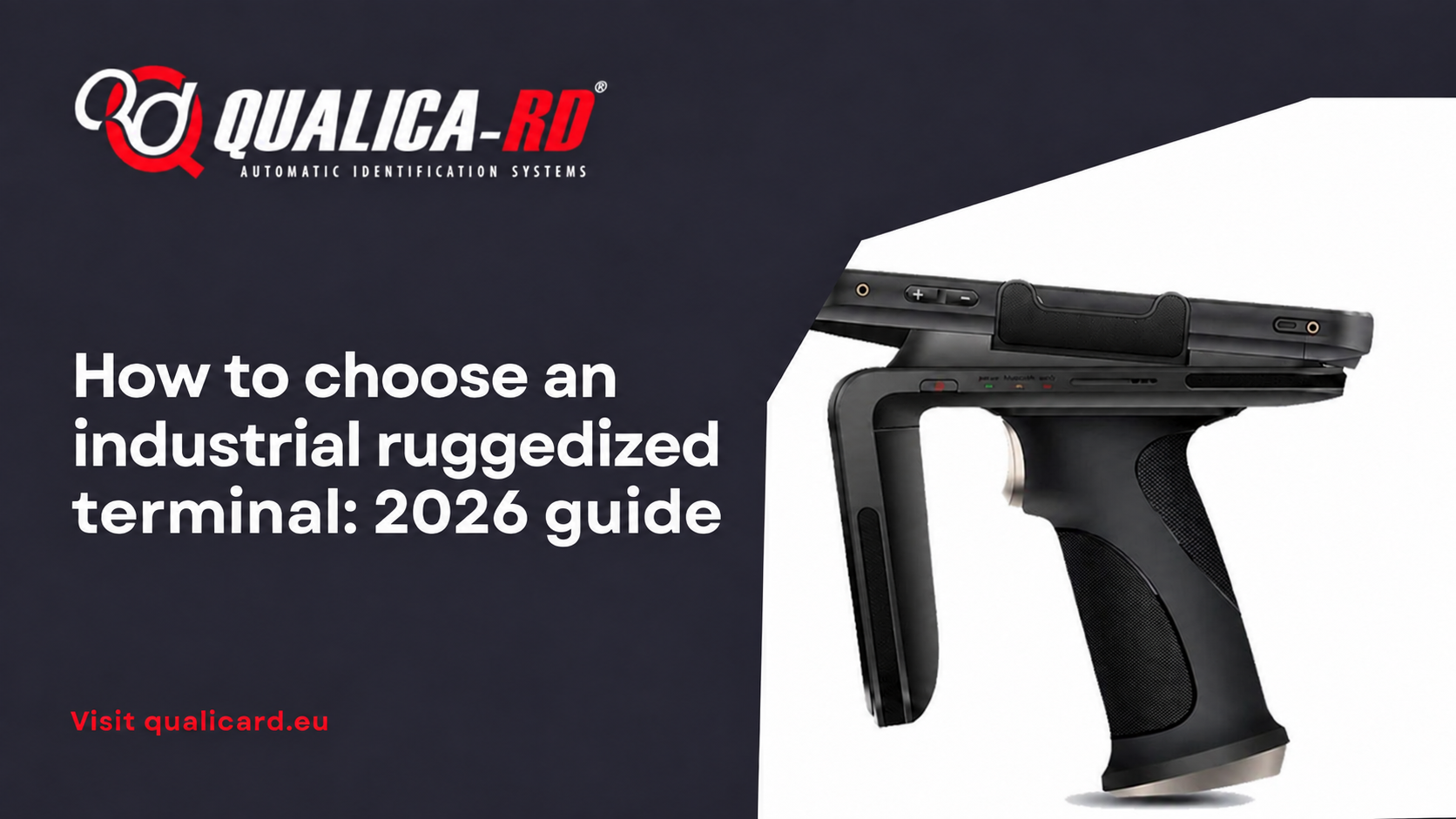
How to choose an industrial ruggedized terminal: 2026…
An industrial ruggedized terminal is not a “reinforced” mobile phone: it is…
Go to Post
Types of RFID cards
Types of RFID cards: a complete guide to understanding their uses and…
Go to Post