
Business Hours: Monday to Thursday: 7:00 AM – 3:00 PM (Support until 5:00 PM) | Friday: 7:00 AM – 3:00 PM (Support until 2:30 PM)
(+34) 957 326 107
Business Hours: Monday to Thursday: 7:00 AM – 3:00 PM (Support until 5:00 PM) | Friday: 7:00 AM – 3:00 PM (Support until 2:30 PM)
Copyright © 2025 Qualicard. All Rights Reserved.


Technical Support
Complete Guide to Printing on PVC Cards
January 20, 2025
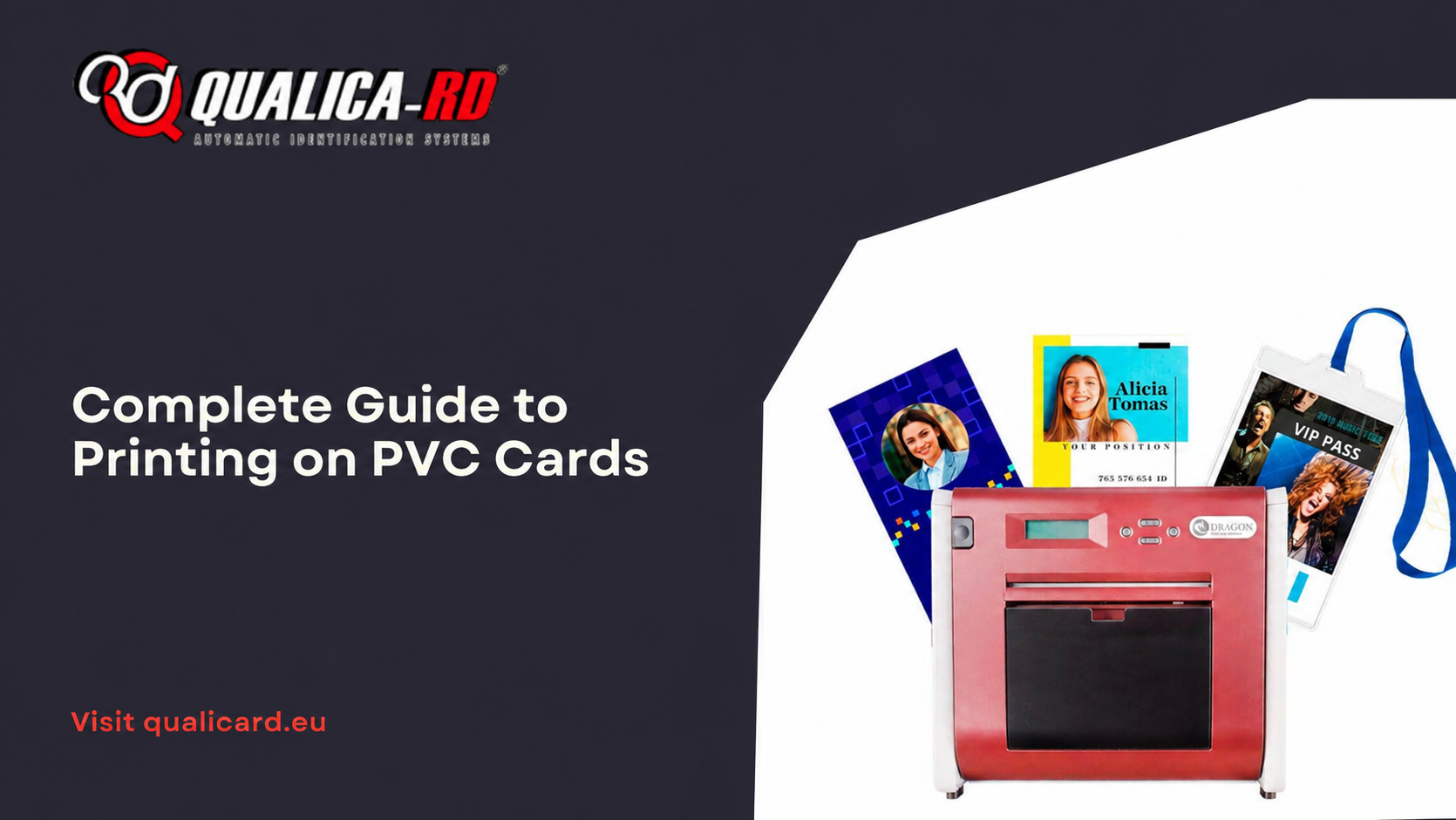
Printing on PVC cards is a growing trend due to their versatility and durability. These cards are used in a wide variety of contexts, such as identifications, membership cards, credit cards, among others. This article offers you a comprehensive guide on how to print on PVC cards, their advantages, the best printers for this type of task, and answers to the most frequently asked questions.
What Are PVC Cards?
PVC cards are made from polyvinyl chloride, a plastic material known for its high strength and flexibility. Their smooth and uniform surface allows for high-quality printing, making them ideal for professional and commercial applications.
There are different types of PVC cards on the market, including options with magnetic stripes, RFID chips, and special laminates. Their ability to adapt to specific needs makes them a popular choice in sectors such as banking, retail, and security.
Advantages of Printing on PVC Cards
Printing on PVC cards offers numerous advantages over other materials. Here are some of the most notable ones:
- Durability: PVC cards are extremely resistant to wear, scratches, and adverse weather conditions, ensuring a long service life.
- Visual quality: This material allows for high-resolution prints with vivid colors and precise details, enhancing the professional appearance of the cards.
- Customization: PVC cards can include unique designs, logos, QR codes, barcodes, and variable data, adapting to the specific needs of each client or project.
- Water resistance: Unlike paper, PVC cards are waterproof and maintain their integrity even in humid conditions.
- Compatibility with technologies: These cards can be integrated with magnetic stripes, smart chips, and access systems, offering advanced technological solutions.
Key Steps to Print on PVC Cards
1. Select a Suitable Printer
The first step to print on PVC cards is choosing a printer that meets your needs. There is a wide range of models on the market, from basic options for small businesses to industrial printers for mass production. Here are some recommendations:
- Magicard 300: Ideal for medium-sized businesses, it offers high print quality and security options such as digital watermarks.
- Evolis Primacy: Recognized for its speed and versatility, it is perfect for high-volume productions.
- HiTi CS200: An affordable option for SMEs looking for a reliable and efficient printer.
- Zebra ZC300: Stands out for its compact design and ease of use, ideal for offices with limited space.
- BADGY 100: Designed for small businesses or one-off projects, it offers an excellent balance between quality and price.
2. Design Your Cards
A good design is essential to maximize the impact of your PVC cards. Use design software such as Adobe Illustrator or Canva to create a professional design that includes:
- Logos and visual elements of the brand.
- Clear and legible texts, using appropriate fonts.
- Consistent corporate colors.
- QR codes, barcodes, or magnetic stripes if necessary.
Make sure the design fits the standard card size (85.6 mm x 53.98 mm) and verify that there are no errors before proceeding to print.
3. Prepare the Cards
It is essential to use PVC cards that are clean and free of imperfections. Some cards come with a protective layer that must be removed before printing. Also, store them in a dry place away from direct sunlight to prevent warping.
4. Configure the Printer
Configure your printer according to the manufacturer’s instructions. Make sure to adjust:
- The print resolution (recommended: 300-600 DPI).
- The type of print ribbon (monochrome or full color).
- The double-sided setting if necessary.
Perform an initial test on a card to verify the configuration before starting a full batch.
5. Run Print Tests
Print a couple of test cards to make sure the design and colors look as planned. Adjust the parameters if necessary to optimize the final result.
Maintenance of PVC Card Printers
Regular maintenance is key to prolonging the life of your printer and ensuring consistent prints. Some tips include:
- Clean the printer rollers to prevent dust buildup.
- Use cleaning kits recommended by the manufacturer.
- Replace ink ribbons and rollers according to specifications.
- Store cards and supplies in a dry and clean place.
Frequently Asked Questions
What type of ink is used to print on PVC cards?
PVC card printers use specialized ink ribbons, designed to adhere to the plastic material. These ribbons are available in monochrome and full color (CMYK) formats.
Can PVC cards be printed double-sided?
Yes, many PVC card printers have the double-sided printing function. It is an excellent option for including additional information or complementary designs.
Is it possible to customize PVC cards with advanced technologies?
Yes, PVC cards can incorporate magnetic stripes, RFID chips, and proximity technologies for access control and electronic payment applications.
What to do if the printer does not recognize the card?
Check that the cards are clean and properly aligned. Also make sure that the printer settings match the thickness and type of card.
What is the standard size of PVC cards?
The standard size is 85.6 mm x 53.98 mm (CR80 format), equivalent to that of a credit card.
Conclusion
Printing on PVC cards is an effective and professional solution for a wide variety of commercial and personal needs. By following the steps and tips provided in this article, you will be able to obtain high-quality results and maximize the advantages of this durable and versatile material. Be sure to choose the right printer, keep the equipment in optimal condition, and design attractive cards that meet your objectives.
Share
Related News
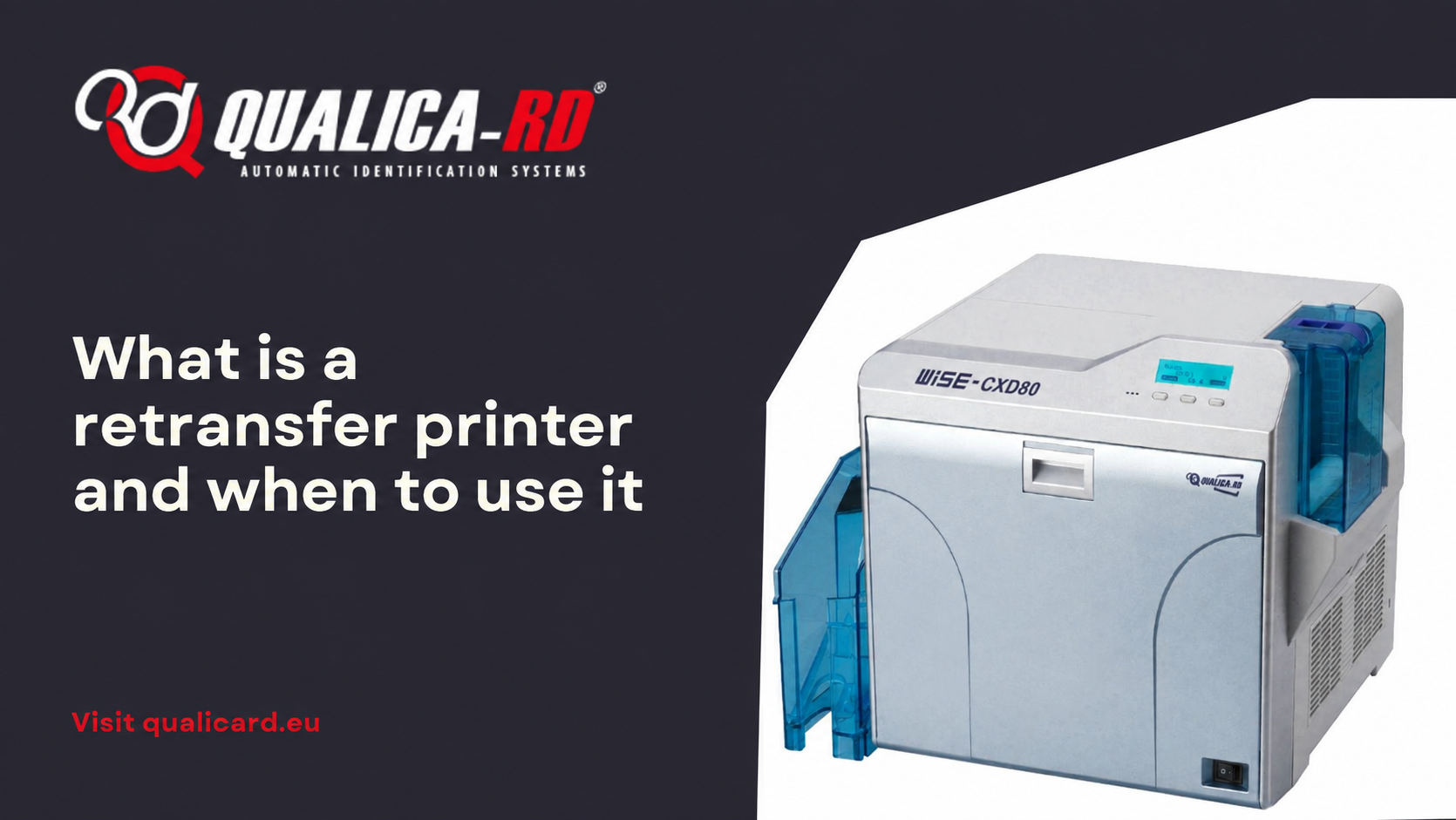
What is a retransfer printer and when to…
In the world of PVC card printers designed to personalize credentials, ID…
Go to Post
Guide to printing credentials for events
Complete guide to printing badges for events In this guide to printing…
Go to Post
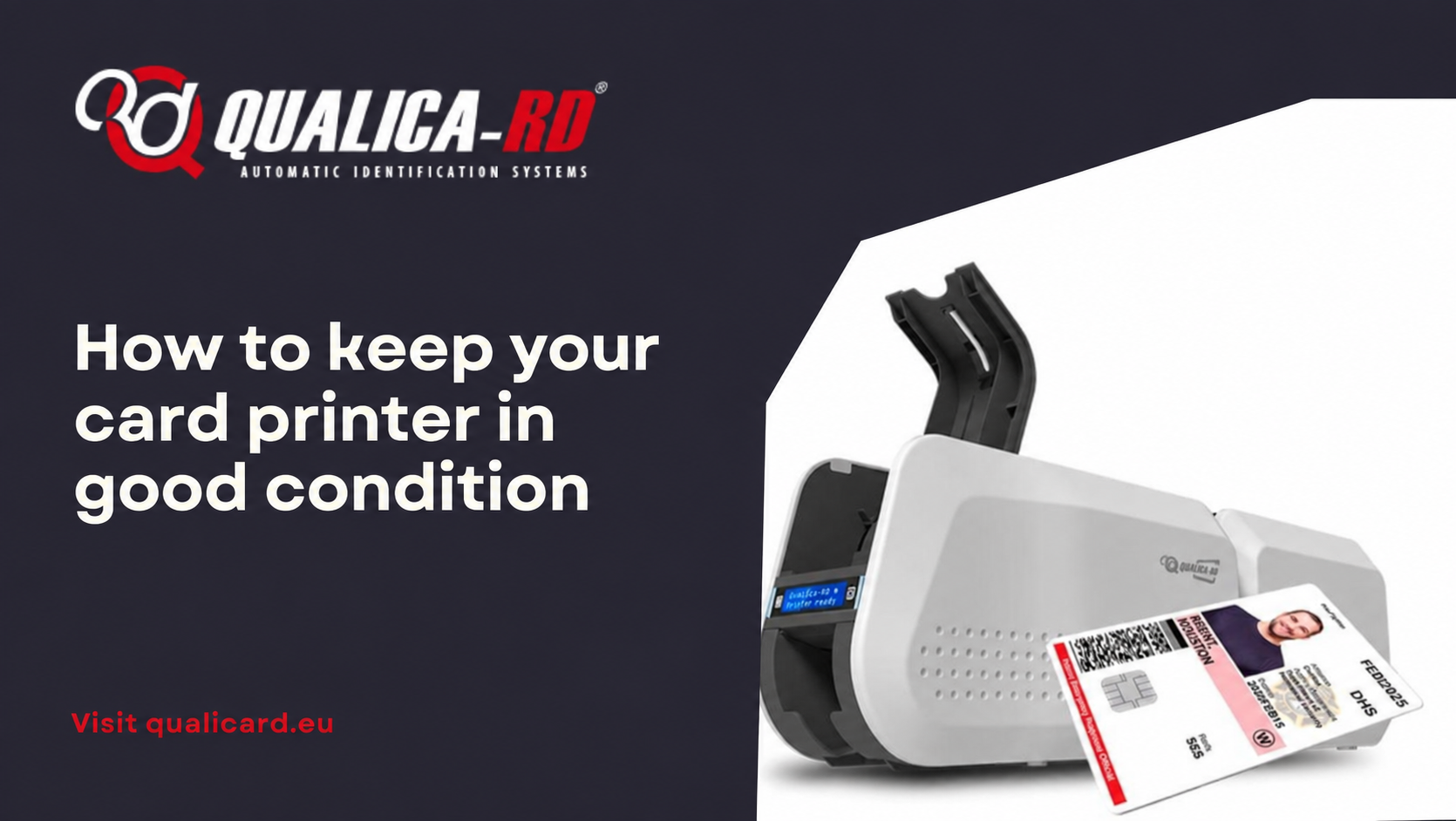
How to keep your card printer in good…
How to keep your card printer in good condition The proper functioning…
Go to Post