
Business Hours: Monday to Thursday: 7:00 AM – 3:00 PM (Support until 5:00 PM) | Friday: 7:00 AM – 3:00 PM (Support until 2:30 PM)
(+34) 957 326 107
Business Hours: Monday to Thursday: 7:00 AM – 3:00 PM (Support until 5:00 PM) | Friday: 7:00 AM – 3:00 PM (Support until 2:30 PM)
Copyright © 2025 Qualicard. All Rights Reserved.


Technical Support
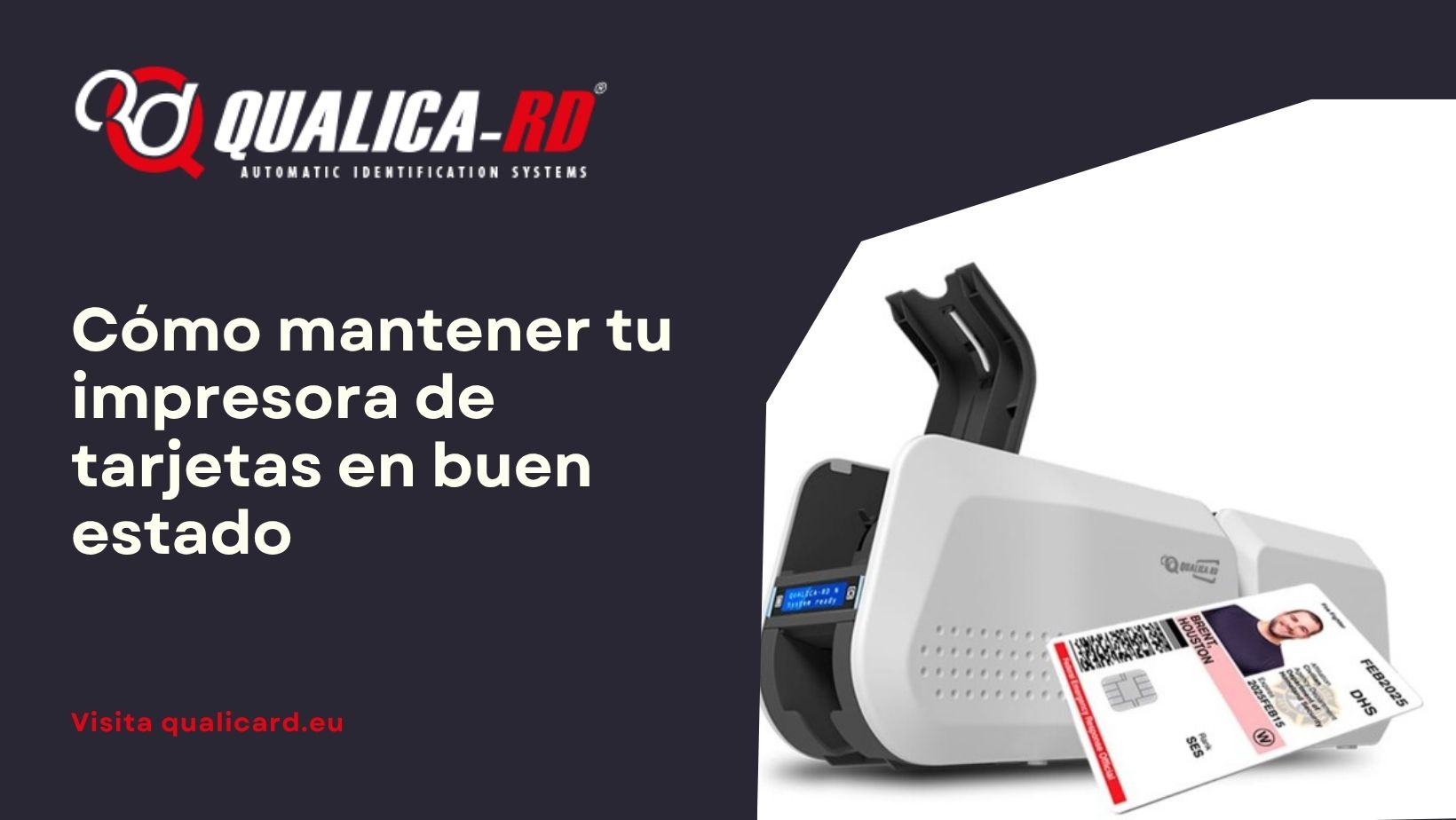
How to keep your card printer in good condition
June 10, 2025
How to keep your card printer in good condition
The proper functioning of a PVC card printer not only depends on its manufacturing quality but also on the care and maintenance it receives during its lifespan. These devices, used in a wide variety of sectors for issuing credentials, identifications, and personalized cards, require constant attention to ensure optimal performance and avoid operational interruptions.
A printer that is not properly cleaned, that uses non-recommended consumables, or that operates in poorly controlled environments can experience frequent failures, reduce print quality, and shorten its durability. Therefore, knowing and applying the best maintenance practices is key to protecting your investment and ensuring professional results in every print.
In this comprehensive guide, we explain how to keep your card printer in good condition, addressing fundamental aspects such as internal and external cleaning of the equipment, the use of printing ribbons and suitable cards, the importance of preventive maintenance, and how to identify and resolve common errors before they become major problems.
Importance of proper maintenance
A preventive maintenance program prevents technical failures, reduces operating costs, and improves print quality. Additionally, it prevents anomalies such as jams, white lines, or broken ribbons, which affect efficiency and cause unwanted interruptions.
Essential tips for keeping your PVC card printer in good condition
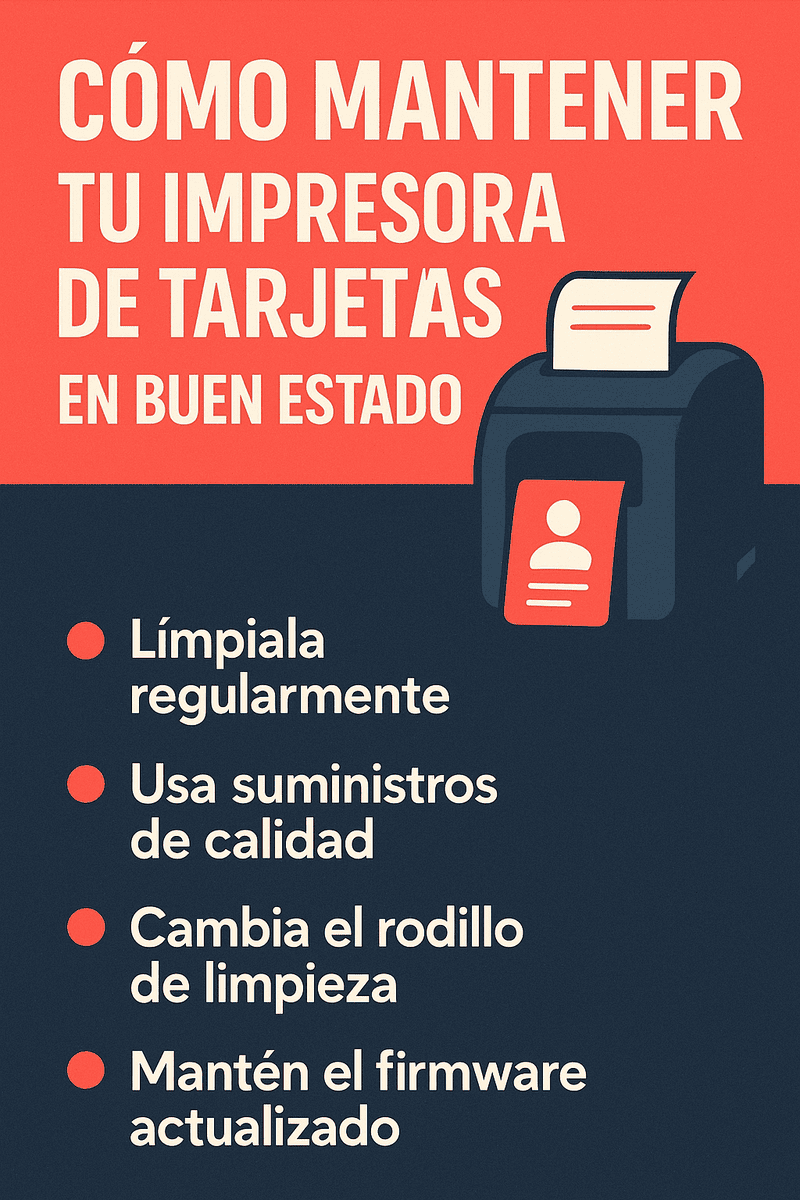
- Regular cleaning: every time you change the ribbon or after printing between 700–1,000 cards, it is recommended to clean the print head and rollers.
- Use of original ribbons: using approved printing ribbons and retransfer film from the manufacturer reduces failures and extends lifespan.
- Quality consumables: clean PVC cards, free of dust and moisture, stored correctly.
- Proper environment: place it in a clean, dry environment without exposure to liquids or excessive dust.
- Firmware and driver updates: keeping drivers updated ensures compatibility and optimal performance.
- Annual technical review: preventive service includes deep cleaning, calibration, and replacement of worn parts.
- Storage of consumables: store ribbons and cards in a cool, dry place and avoid use after one year.
Comparative table: tips for keeping the printer in good condition
| Area | Recommended practice | Frequency/Recommendation |
|---|---|---|
| Cleaning | Clean print head and rollers with a cleaning kit | Every 700–1,000 cards or when changing ribbon |
| Printing ribbons | Use original and compatible ribbons | With each ribbon replacement |
| PVC cards | Clean cards, stored correctly | Check batch before printing |
| Environment | Dust-free, humid, or liquid-free environment | Continuous |
| Firmware/Drivers | Update to the latest versions | As indicated by the manufacturer |
| Technical support | Preventive technical review | At least annually |
| Storage | Store consumables in a dry and cool place | Continuous, avoid use after one year |
Tips for adequate preventive maintenance
Apply these tips in your operational routine:
- Create a cleaning plan: record the date and number of printed cards to schedule cleaning.
- Use specific kits: include cleaning cards, wipes, and isopropyl alcohol swabs.
- Protective cover: cover the printer when not in use to prevent dust accumulation.
- Ventilate the environment: ensure good air circulation and avoid excessive humidity.
- Train staff: ensure they know how to replace consumables, clean components, and report failures.
- Reserve spare consumables: ribbons, cards, and cleaning kits ready to avoid interruptions.
- Document incidents: note common errors, solutions applied, and contact support if they persist.
Common errors and how to avoid them
- White lines or spots on cards: indicates a dirty print head or defective ribbon. Clean and replace the ribbon if it persists.
- Card jams: caused by dirty consumables or incorrect tension. Clean rollers, check thickness, and distribute static.
- Faded or unclear printing: adjust temperature and speed, use quality ribbon.
- Ribbon errors: calibrate sensors after cleaning or changing ribbon.
- Loss of connectivity: update drivers and restart the device, check wiring.
- Damaged print head: avoid direct contact with chip cards, perform frequent cleanings.
Conclusion
To keep your card printer in optimal condition, you must combine cleaning, use of original consumables, controlled environment, updates, and technical support. This way, you will avoid common errors, improve print quality, and extend the equipment’s lifespan. Implement a preventive maintenance plan: your investment will thank you!
Frequently asked questions about how to keep your card printer in good condition
Proper maintenance of a PVC card printer can raise many questions, especially regarding cleaning, the use of consumables, or troubleshooting. Below, we answer the most common questions to help you take care of your equipment properly.
How often should a card printer be cleaned?
It is recommended to perform a complete cleaning every 700 to 1,000 printed cards or each time the print ribbon is changed. Using specific cleaning kits helps maintain the thermal head and rollers in optimal condition.
What type of consumables should be used to avoid damage to the printer?
To ensure proper operation, it is essential to use original print ribbons and quality PVC cards. Generic consumables can cause jams, reading errors, or damage to the print head.
What to do if the printer frequently shows errors or low print quality?
In these cases, the most advisable action is to check the cleanliness of the head, ensure that the ribbon is properly installed, review the drivers, and if the problem persists, contact official technical support for a professional review.
Share
Related News


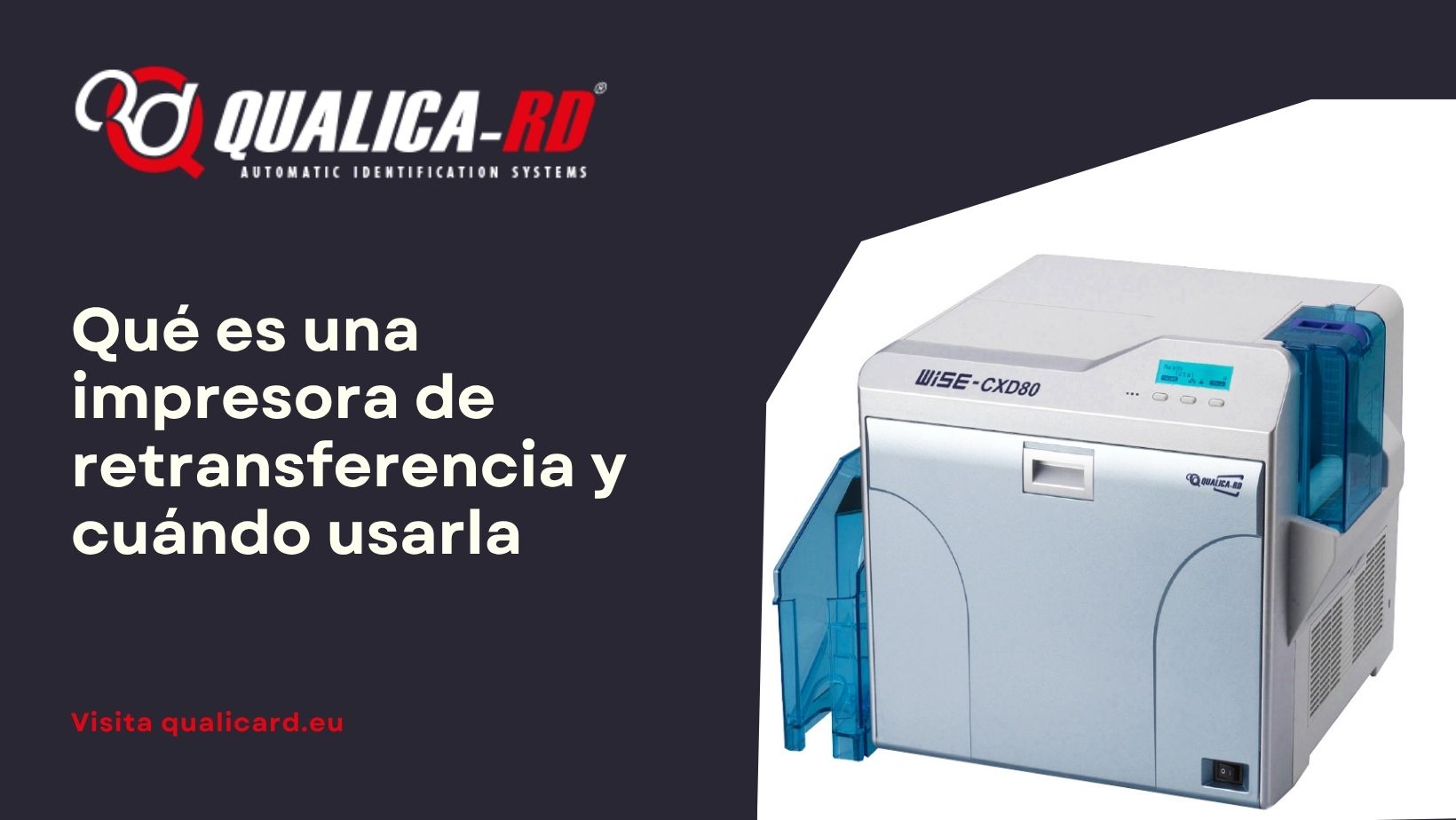
What is a retransfer printer and when to…
En el mundo de las impresoras de tarjetas PVC diseñadas para personalizar credenciales,…
Go to Post

Guide to printing credentials for events
Guía completa para imprimir acreditaciones para eventos En esta guía para imprimir…
Go to Post
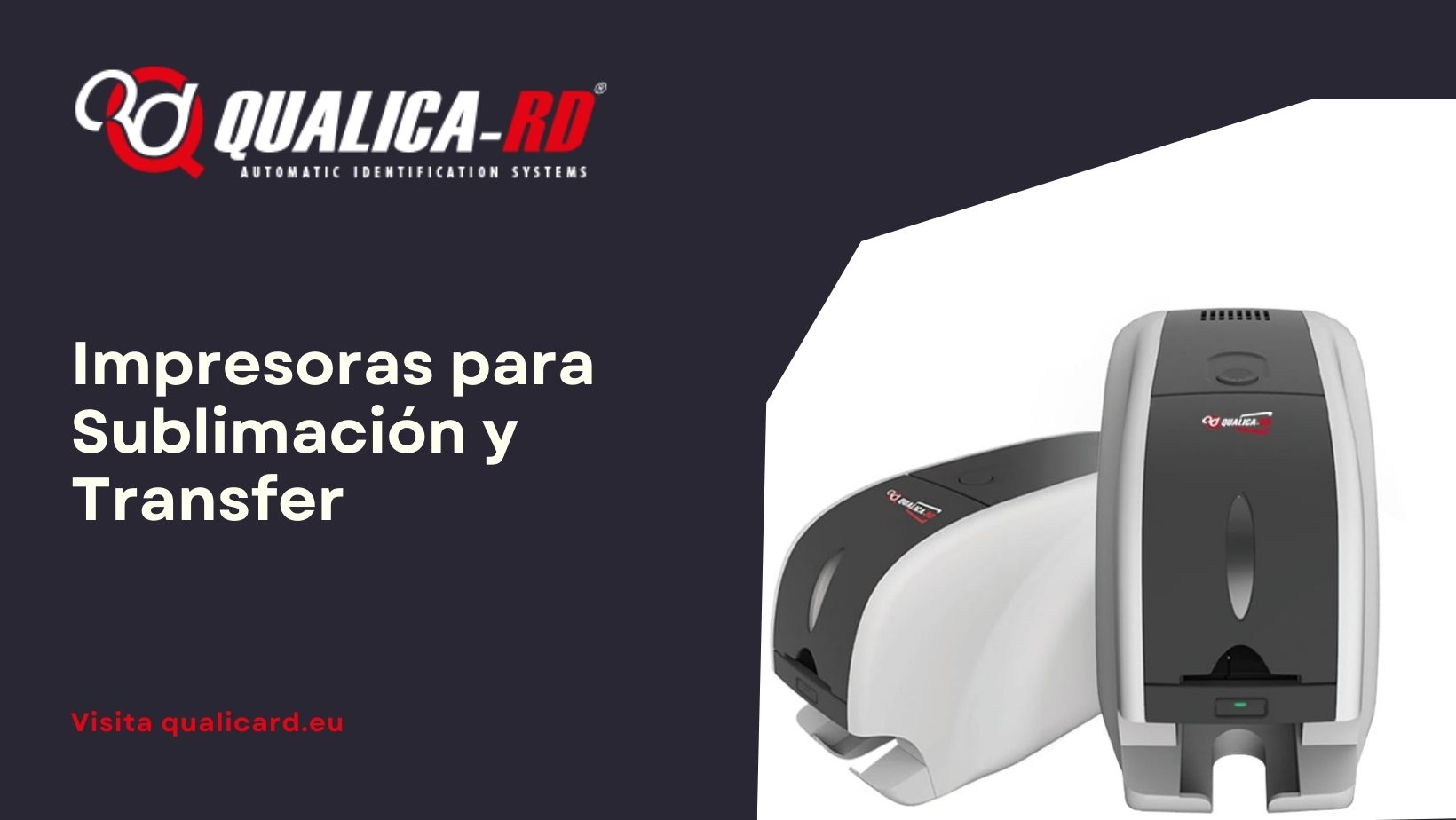
Sublimation and Transfer Printers
Impresoras para Sublimación y Transfer: Guía Completa con Precios, Comparativas y Modelos…
Go to Post