
Business Hours: Monday to Thursday: 7:00 AM – 3:00 PM (Support until 5:00 PM) | Friday: 7:00 AM – 3:00 PM (Support until 2:30 PM)
(+34) 957 326 107
Business Hours: Monday to Thursday: 7:00 AM – 3:00 PM (Support until 5:00 PM) | Friday: 7:00 AM – 3:00 PM (Support until 2:30 PM)
Copyright © 2025 Qualicard. All Rights Reserved.


Technical Support
Biometric Access Control and GDPR: 2026 Regulatory Compliance Guide
May 2, 2026
Is it legal to use fingerprint or facial recognition to clock in at work?
This is the question we receive most at QualicaRD. The short answer is yes, it is legal, but with very specific conditions that you must know before installing any biometric system in your company.
The General Data Protection Regulation (GDPR) classifies biometric data as special category data (Article 9), which means it enjoys the highest level of protection. You cannot treat it as if it were a simple RFID card number. You need a legal basis, an impact assessment, and specific technical measures.
In this guide we explain exactly what Spanish and European regulations require, what the AEPD has said in its latest resolutions, and how to implement a biometric access control that complies with the law without sacrificing operational efficiency.
What exactly does the GDPR say about biometric data?
Article 9.1 of the GDPR prohibits the processing of biometric data aimed at uniquely identifying a natural person. The prohibition is the general rule.
However, Article 9.2 establishes exceptions. The most relevant for access control and labor time recording is letter b): the processing is necessary to fulfill obligations in the field of labor law.
This means that:
The AEPD resolutions you should know
The Spanish Data Protection Agency has been especially active in this area. These are the key resolutions:
Resolution on biometric time recording at work (2023-2024): The AEPD has validated the use of fingerprint for time control provided that:
Criterion on facial recognition: The AEPD is more restrictive with facial recognition than with fingerprints. It considers it a high-risk technology and requires a higher level of justification. In work environments, it is only allowed for access to critical security areas (defense, essential infrastructures, sensitive data).
Compliance checklist: 7 steps to implement biometrics without problems
1. Define the legal basis BEFORE buying the system
Do not buy biometric terminals and then look for legal justification. Do it the other way around. First determine whether your use case fits into one of the exceptions of Article 9.2 of the GDPR.
2. Carry out an Impact Assessment (DPIA)
It is mandatory for any large-scale processing of biometric data. It must include:
The AEPD offers a free template on its website. Don’t skip it.
3. Choose terminals that encrypt biometric templates
Here is the technical difference that really matters. A biometric terminal must never store images of fingerprints or faces. It should only store biometric templates: irreversible mathematical representations of the characteristic points of a fingerprint or a face.
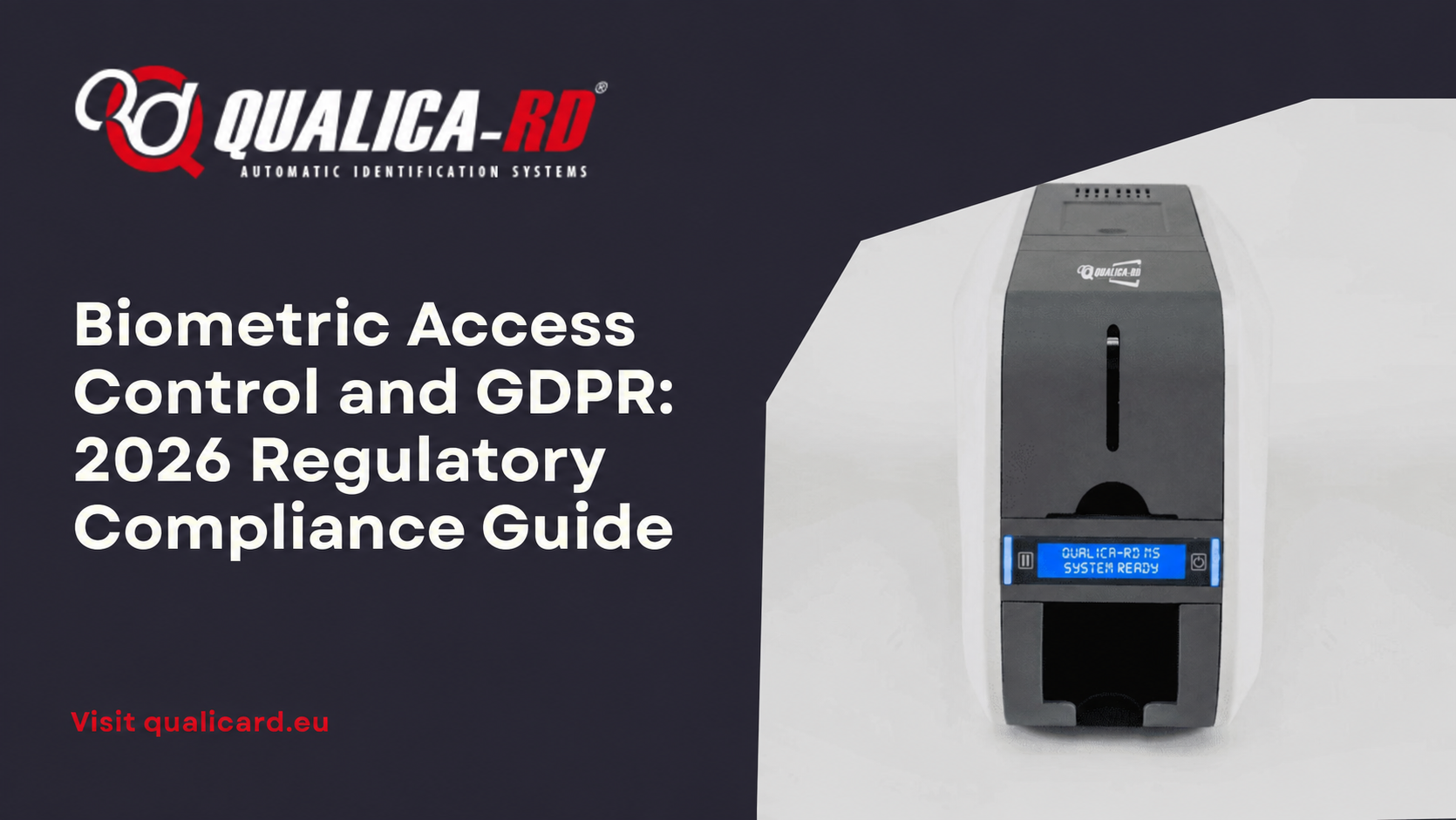
QualicaRD ruggedized terminals, for example, generate an encrypted hash of the fingerprint at the moment of capture. The original image is immediately discarded. The template cannot be used to reconstruct the original fingerprint. This is exactly the architecture that the AEPD expects to see in an EIPD.
4. Always offer an alternative to the worker
Although clocking in is mandatory, the biometric method cannot be mandatory. Offer each employee the option to use a personal RFID card or a PIN code. Document that you have offered this alternative.
5. Report transparently
Each employee must receive and sign an information clause detailing:
6. Minimize data: do not ask for more than necessary
If you only need time recording, don’t also capture the face. If you only need access to a door, don’t link the biometric data to the employee’s complete file. Principle of minimization: the GDPR punishes disproportionality.
7. Set retention and deletion deadlines
Biometric data cannot be kept indefinitely. Define a clear period (e.g., 5 years from the employee’s termination, unless there is a legal obligation to retain it for longer) and automate the deletion once that period is fulfilled.
Cloud biometrics vs local biometrics: the decision that defines your risk level
This is the point where many companies mess up without knowing it.
Cloud systems: Biometric data is stored on external servers. Higher risk of security breach. More difficult to justify to the AEPD. Only recommended if your DPD expressly supports it.
Local systems (on-premise): Biometric templates are stored exclusively in the terminal’s memory, without internet connection. This architecture best aligns with the GDPR minimization principle and is the one that the AEPD views most favorably.
Our ruggedized terminals allow both configurations. But if you ask us which one we recommend from a regulatory compliance point of view: always local, with the possibility of occasional export of clocking records (never templates) to your ERP.
Penalties: what non-compliance can cost you
GDPR sanctions for inadequate processing of biometric data can reach 20 million euros or 4% of global annual turnover, whichever is greater.
In Spain, the AEPD has imposed fines from €2,000 (minor cases, such as not having an information clause) to over €200,000 (serious cases, such as capturing a fingerprint without an alternative or DPIA). The cost of doing it right is ridiculous compared to the cost of doing it wrong.
Practical summary: what do you need to be in compliance?
If you need advice on which biometric terminal best suits your use case while meeting all these requirements, check out our range of ruggedized biometric terminals or contact our technical team.
Share
Related News


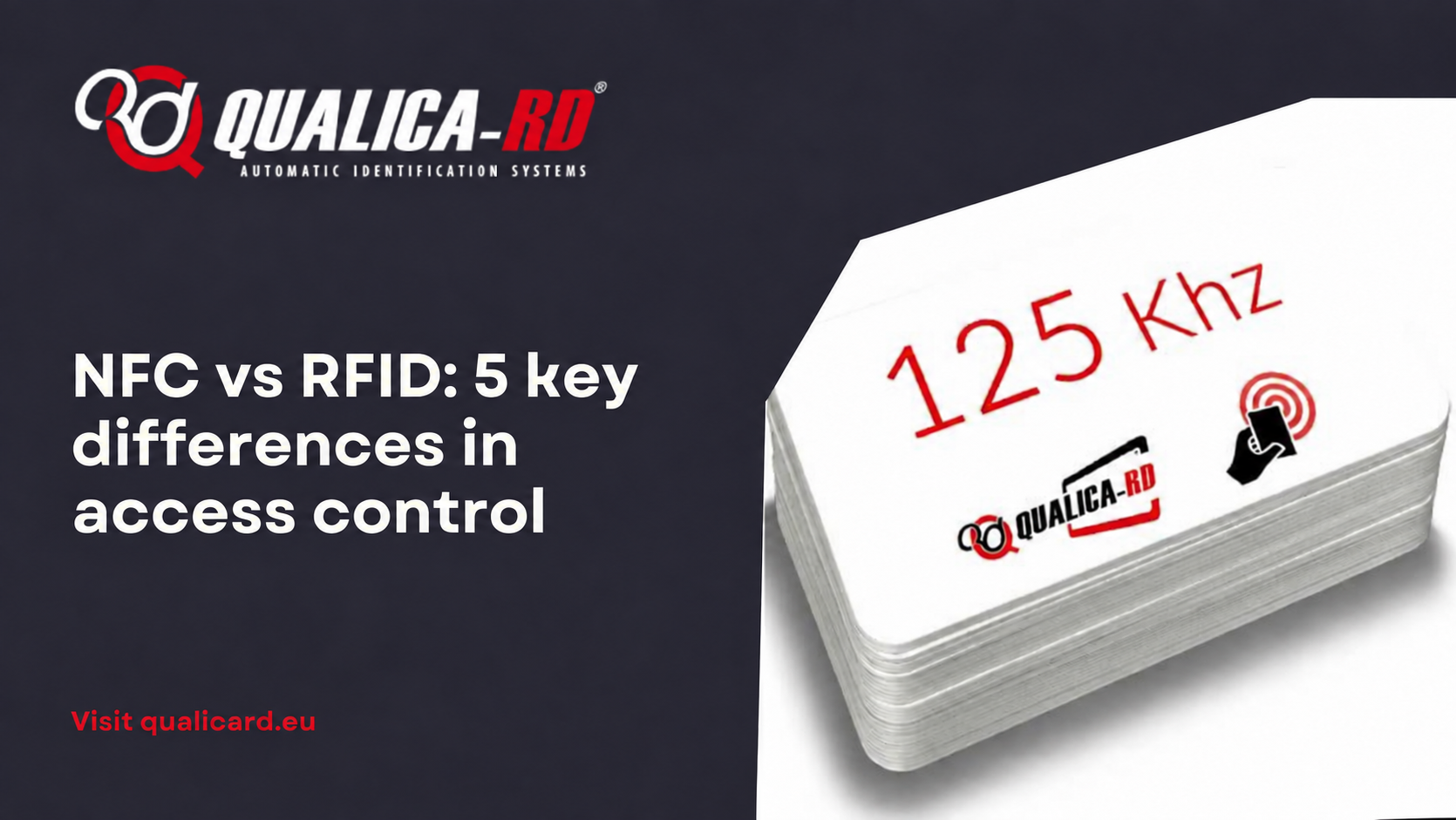
NFC vs RFID: 5 key differences in access…
“Is it NFC or RFID?” We are asked this every week. The…
Go to Post
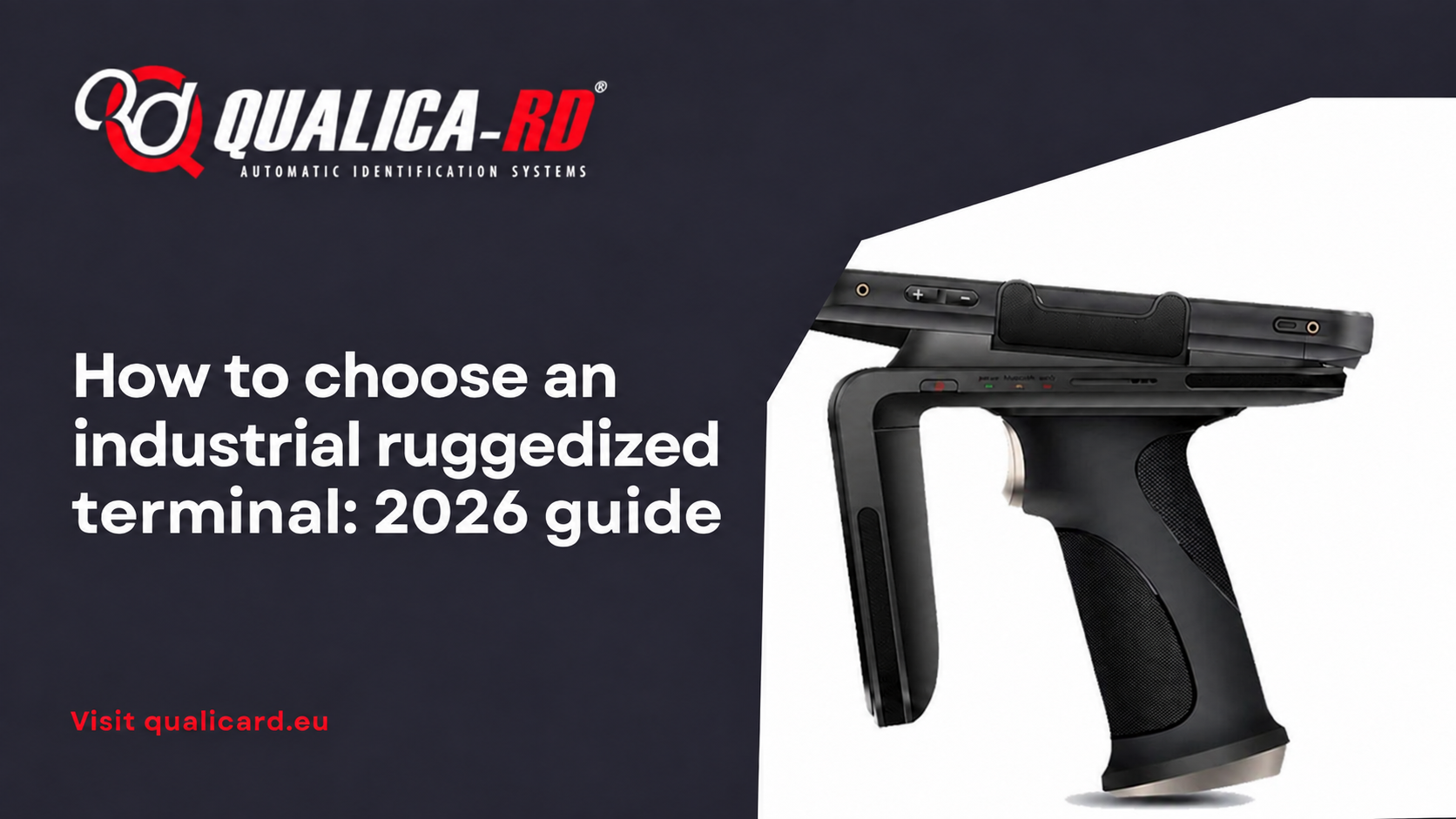
How to choose an industrial ruggedized terminal: 2026…
An industrial ruggedized terminal is not a “reinforced” mobile phone: it is…
Go to Post
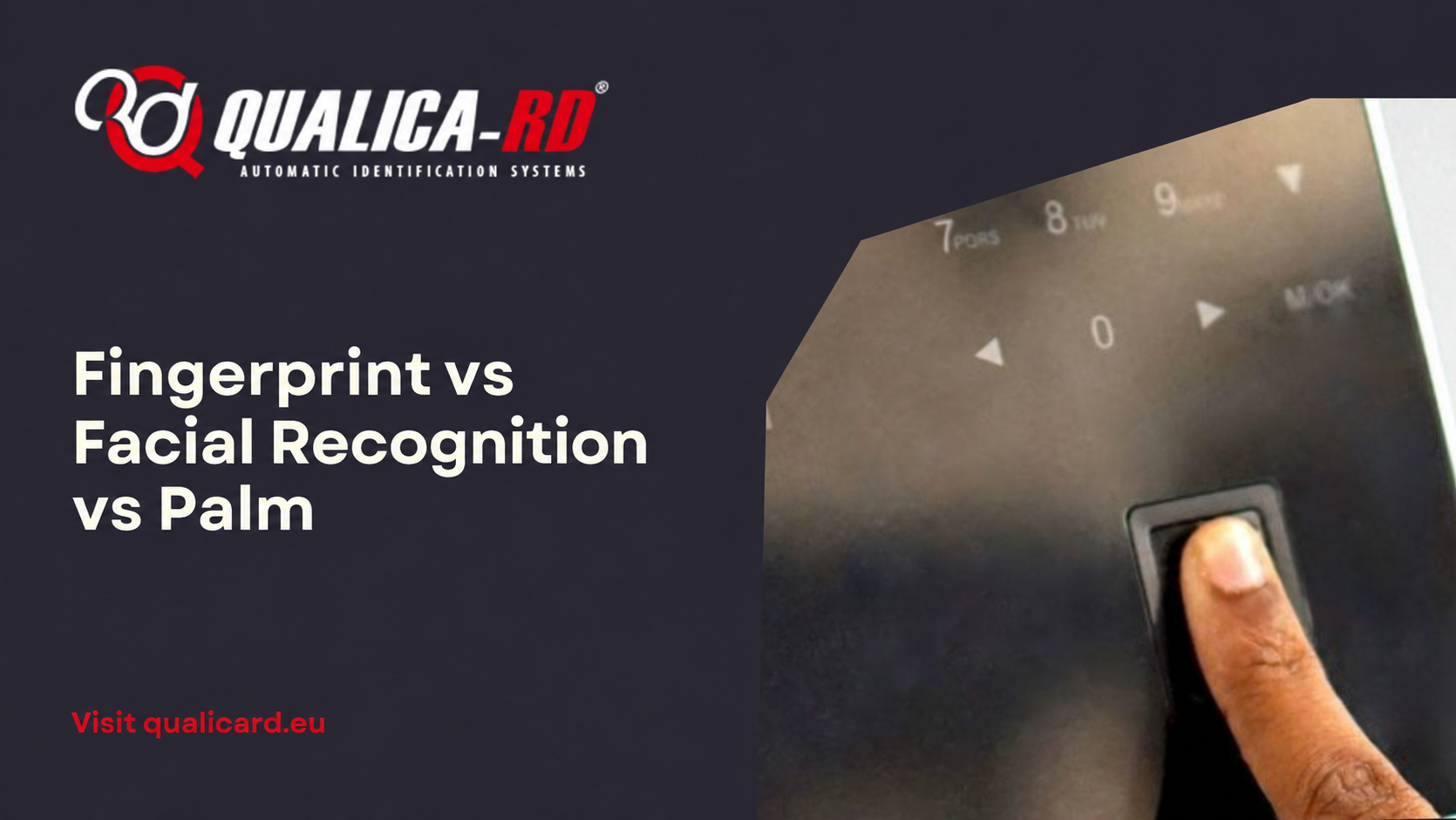
Fingerprint vs Facial Recognition vs Palm: Which Biometric…
The B2B buyer’s dilemma You have to implement an access control or…
Go to Post