Business Hours: Monday to Thursday: 7:00 AM – 3:00 PM (Support until 5:00 PM) | Friday: 7:00 AM – 3:00 PM (Support until 2:30 PM)
(+34) 957 326 107
Business Hours: Monday to Thursday: 7:00 AM – 3:00 PM (Support until 5:00 PM) | Friday: 7:00 AM – 3:00 PM (Support until 2:30 PM)
Copyright © 2025 Qualicard. All Rights Reserved.


Technical Support
Fingerprint vs Facial Recognition vs Palm: Which Biometric to Choose for Your Access Control?
The B2B buyer’s dilemma
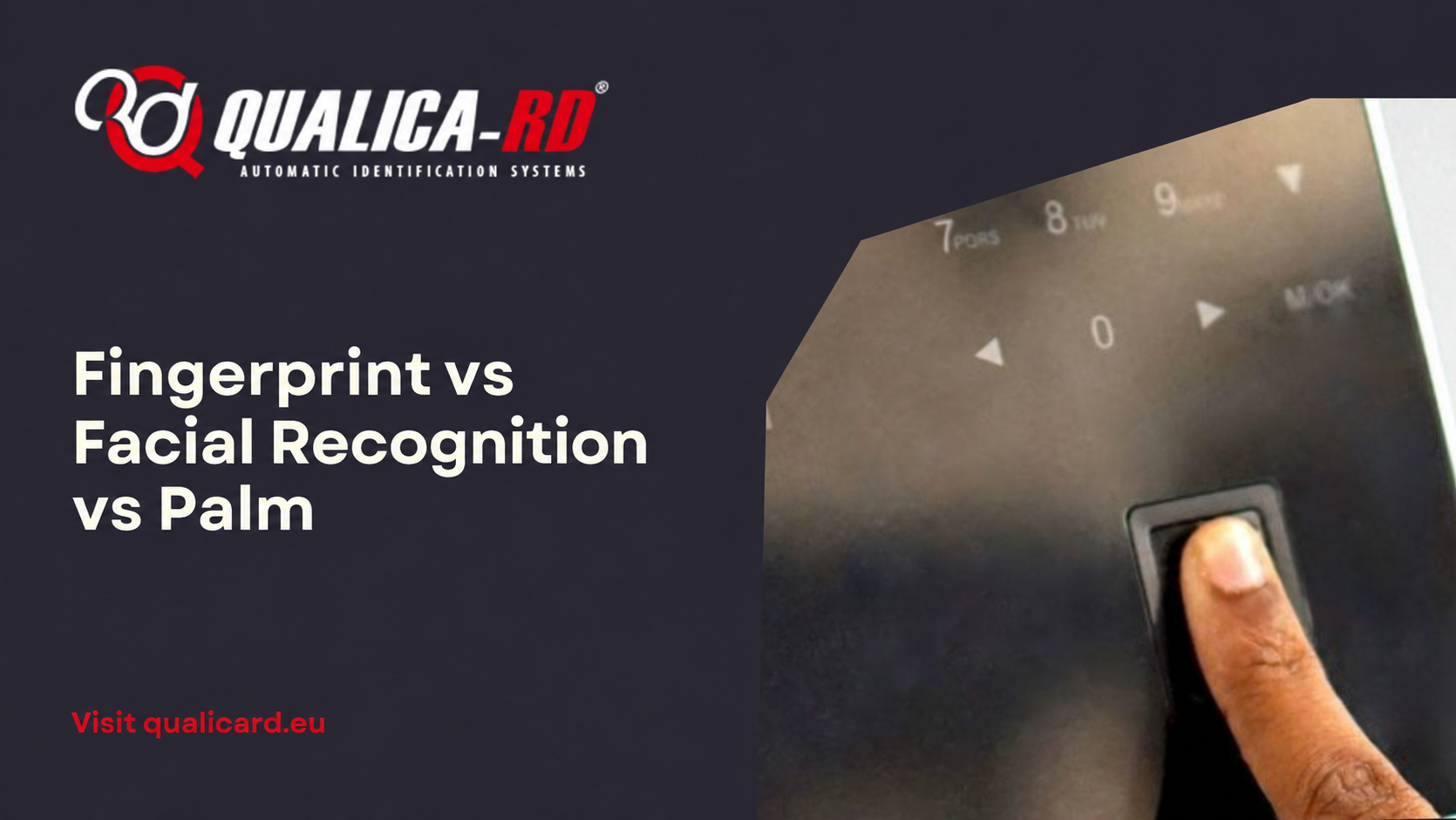
You have to implement an access control or time and attendance system in your company. You know you want biometrics because it is more secure than RFID cards (which can be lost, lent or cloned) and more convenient than PIN codes (which can be forgotten or shared). But when you open the catalog you come across fingerprint, facial recognition, palm recognition, iris… and you don’t know which one fits your actual operational needs.
This article helps you decide with objective criteria: cost, speed, hygiene, work environment, precision, and user acceptance. No smoke. No manufacturer bias.
The 4 biometric technologies competing in access control
1. Fingerprint: the reliable veteran
How it works: The sensor captures the characteristic points of the fingerprint (minutiae) and generates a mathematical template. It does not store the fingerprint image.
Accuracy: False Acceptance Rate (FAR) less than 0.001%. False Rejection Rate (FRR) less than 1% under normal conditions.
Speed: 0.5-1 second per reading. It is the fastest.
Cost: It is the most economical technology. Fingerprint readers cost between 30% and 50% less than equivalent facial recognition readers.
Ideal for:
Known issues:
Usage advice: If 95% of your employees have no skin wear issues, fingerprint is the most cost-effective option. For the remaining 5%, offer RFID card as an alternative.
2. Facial recognition: the post-pandemic star
How it works: An infrared camera captures the nodal points of the face (distance between eyes, nose width, jaw contour). It works with a mask on the most recent models.
Precision: FAR lower than 0.0001% in the best models. The technology has improved dramatically with the advent of deep learning algorithms.
Speed: 1-2 seconds per read. Slower than fingerprint but acceptable for most applications.
Cost: It is the most expensive of the three main options. A facial recognition terminal costs between 40% and 60% more than one with fingerprint only.
Ideal for:
Known issues:
Usage tip: If your priority is hygiene and contactless, facial recognition is the answer. But be prepared for a more rigorous DPIA and more careful internal communication with employees.
3. Palm reading: the great unknown (and possibly the best for many cases)
How it works: A sensor captures the vein pattern of the palm of the hand using near-infrared light. The vein pattern is unique, internal (not externally visible) and does not change with age.
Precision: FAR lower than 0.00008%. It is the most accurate of the three because the vein pattern has more identification points than the fingerprint and is not affected by cuts, dirt, or wear.
Speed: 1-1.5 seconds. Similar to facial recognition.
Cost: Intermediate between fingerprint and facial. Less demand means fewer economies of scale, but the difference with facial is narrowing.
Ideal for:
Known issues:
Usage tip: If you work in heavy industry, construction, or very dirty environments where fingerprint constantly fails, palm is your technology. Less known, but more reliable where others fail.
4. Iris recognition: the maximum security option
How it works: A high-resolution camera captures the unique pattern of the eye’s iris. It is the most accurate biometric method that exists.
Precision: Virtually infallible. FAR less than 0.00001%.
Speed: 2-3 seconds. The slowest.
Cost: The most expensive of all. It is only justified in maximum security environments.
Ideal for:
Not recommended for: Standard employee time tracking. The cost and user friction are not worthwhile compared to fingerprint or palm.
Quick comparison: decision table
| Biometric technology | Recommended when… |
|---|---|
| Fingerprint | Your priority is cost and speedYour employees do not have significant skin wearYou need to manage a high volume of daily check-ins |
| Facial recognition | Hygiene and contactless access are criticalYour employees use glovesYou want to project an image of technological innovation |
| Palm recognition | You work in industrial environments with dirt or skin wearYour employees reject fingerprint or facial due to privacy concernsYou need maximum precision without reaching the cost of iris recognition |
| Iris recognition | Security is the absolute priorityBudget is not a limitation |
The factor that nobody tells you: user acceptance
You can choose the most advanced technology on the market, but if your employees don’t accept it, the project fails. This is what we have learned in hundreds of implementations:
Practical recommendation: Before deciding, talk to the workers’ representatives. Explain the alternatives to them. And always offer a non-biometric option (RFID card or PIN) as a voluntary alternative. The GDPR requires it, but it is also the best strategy to avoid labor conflicts.
What if I combine several technologies in the same terminal?
This is the smartest trend for 2026. The ruggedized multifunction terminals like those in our QualicaRD range integrate fingerprint + facial + RFID + NFC + barcode in a single Android device. This allows you to:
It is the option we recommend in 80% of projects because it eliminates the risk of choosing the wrong technology and gives you flexibility to adapt on the fly.
Conclusion: there is no “best” biometrics
There is the best biometrics for your specific case. And that depends on your sector, your physical environment, the profile of your employees, and your level of demand in terms of privacy.
If after reading this you still have doubts, contact our technical team. We help you choose without obligation and without bias. Because our goal is not to sell you the most expensive terminal, but the one you really need.
Share
Related News
NFC vs RFID: 5 key differences in access…
“Is it NFC or RFID?” We are asked this every week. The…
Go to Post
How to choose an industrial ruggedized terminal: 2026…
An industrial ruggedized terminal is not a “reinforced” mobile phone: it is…
Go to Post
Biometric Access Control and GDPR: 2026 Regulatory Compliance…
Is it legal to use fingerprint or facial recognition to clock in…
Go to Post